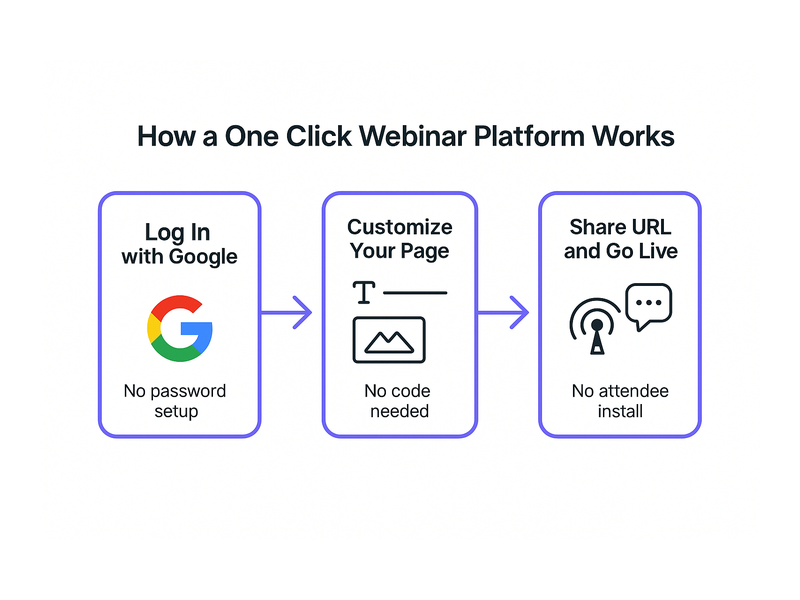
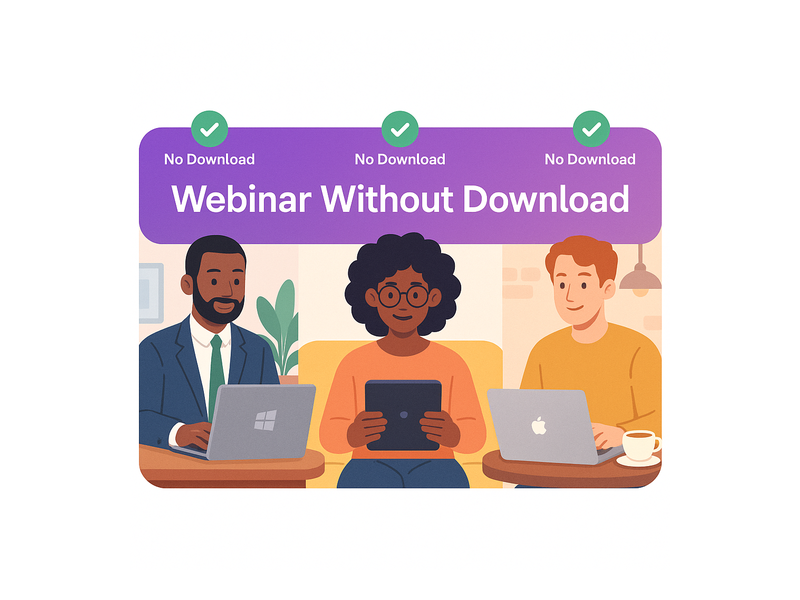
Start webinar instantly online and connect with your audience in minutes, without technical setup, software downloads, or complicated configuration. Whether you run a business, teach a course, or organize events, Pageinar gives you a live broadcast landing page that is ready to go in seconds. No code installation is required on the host side. No plugins are needed for attendees. Just log in with Google, personalize your page, and start broadcasting to the world.
Why You Should Start Webinar Instantly Online
Traditional webinar tools often require attendees to download desktop applications before they can join a session. Furthermore, hosts must configure servers, manage bandwidth, and troubleshoot technical issues before every broadcast. In fact, research from the Content Marketing Institute shows that live webinars rank among the top-performing formats for B2B audience engagement. However, the technical barrier has historically kept many professionals from hosting live events as often as they would like. Pageinar removes that barrier entirely, so you can start webinar instantly online from any browser, on any device.
Moreover, the ability to start webinar instantly online means you can respond faster to market opportunities. For example, when news breaks in your industry, you can host a live commentary session within minutes of the announcement. As a result, your audience sees you as a responsive and authoritative voice. Additionally, instant setup eliminates the risk of technical failures derailing your event before it even begins. In short, speed is a competitive advantage, and Pageinar makes speed the default.
How to Start Webinar Instantly Online with Pageinar
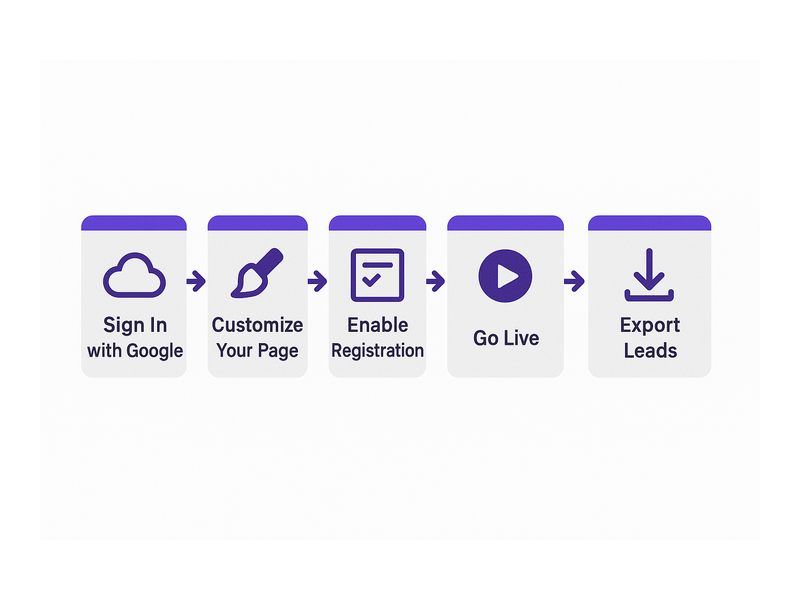
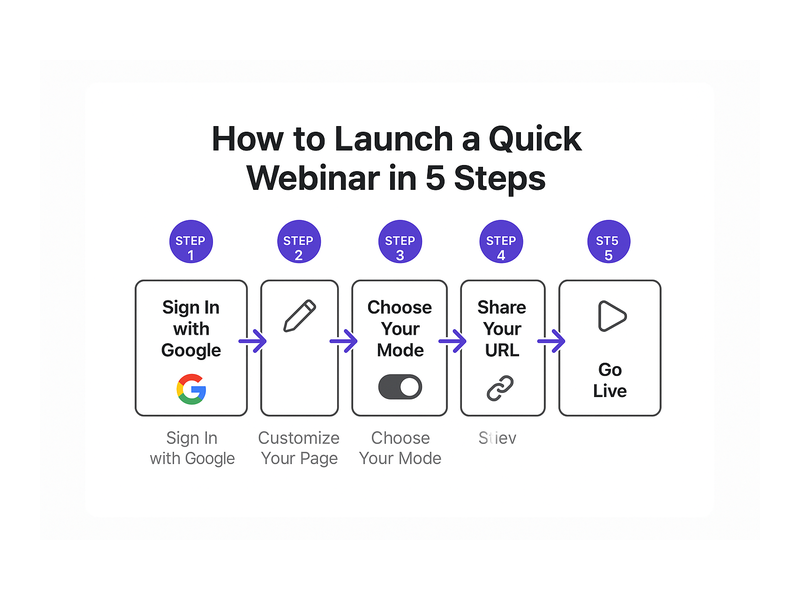
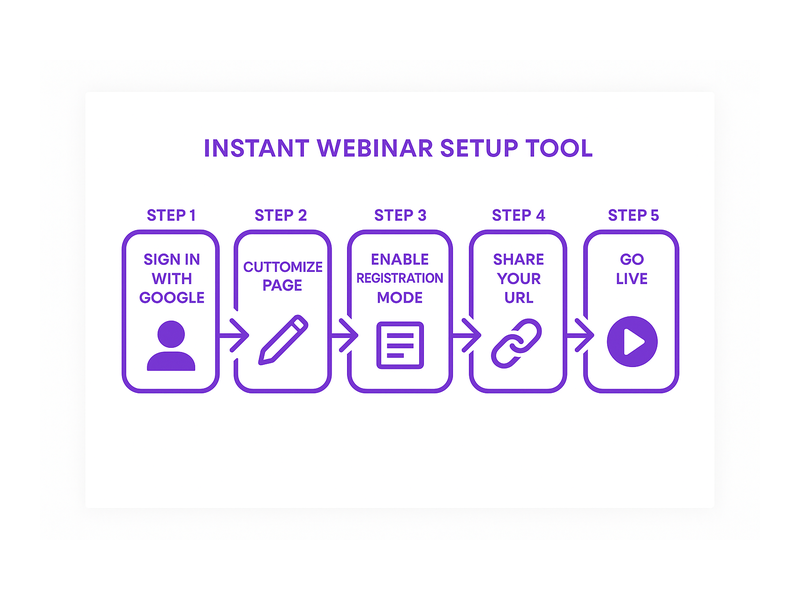
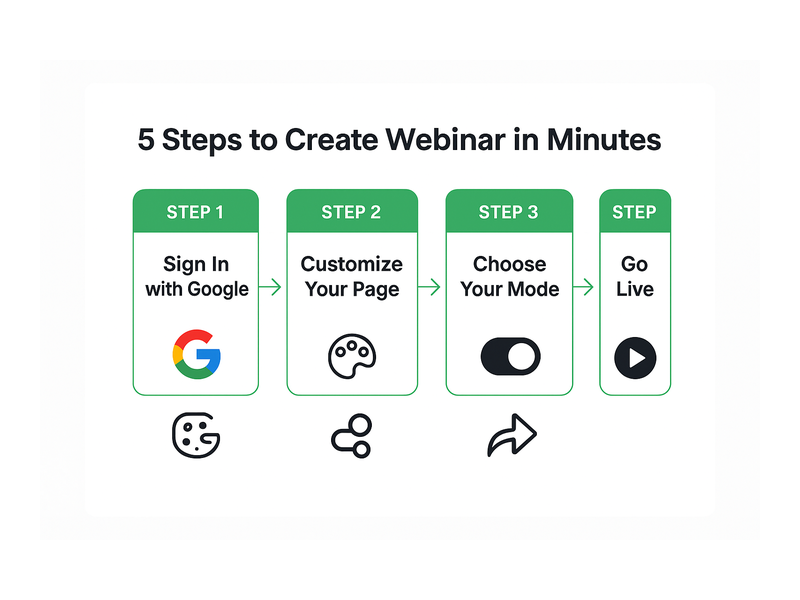
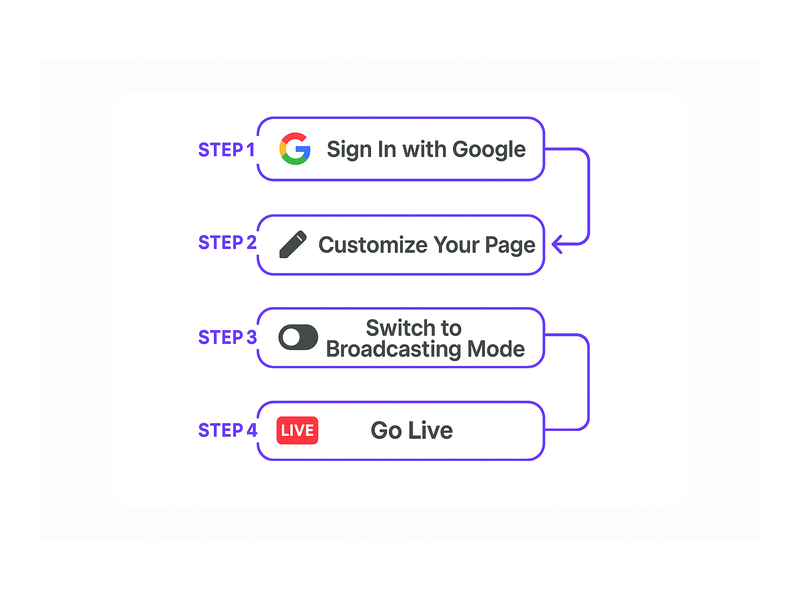
Starting a webinar instantly online with Pageinar follows a clear four-step process. Therefore, even first-time hosts can go live without reading a lengthy manual or watching tutorial videos. Each step below is explained in plain language so you know exactly what to expect before your first broadcast goes live.
Step 1: Sign In with Google
First, visit Pageinar’s instant webinar platform and click the Google login button on the homepage. Pageinar uses Google authentication exclusively, so there is no email and password account to create or verify. As a result, you are signed in within seconds. Your main broadcast page is created automatically upon your first login, pre-configured and ready for customization right away.
Step 2: Customize Your Broadcast Page
Second, personalize your page so it represents your brand and event clearly. You can upload a cover image or choose a solid background color for the page header. Additionally, add your avatar, event title, website URL, and a short description of your broadcast. These elements are the first things attendees see when they visit your page URL. Therefore, a polished and branded page builds immediate credibility before your broadcast even begins.
Step 3: Switch to Broadcasting Mode
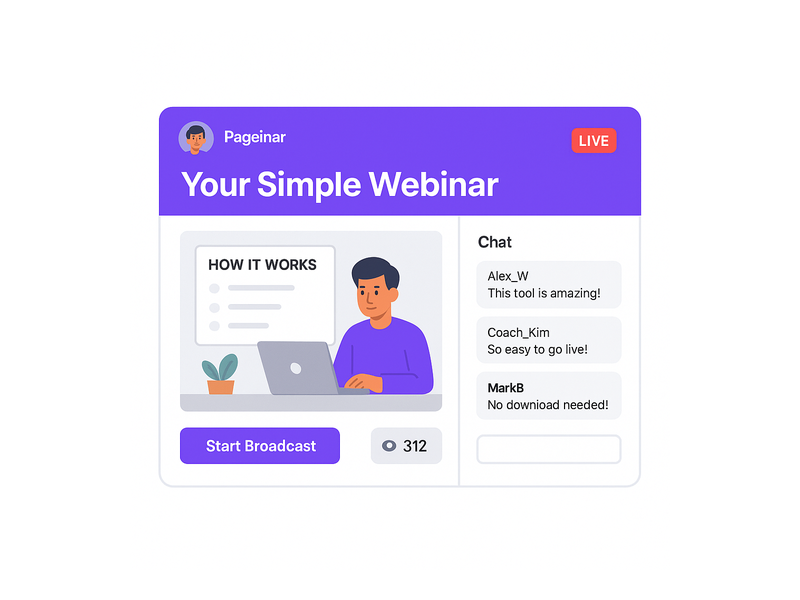
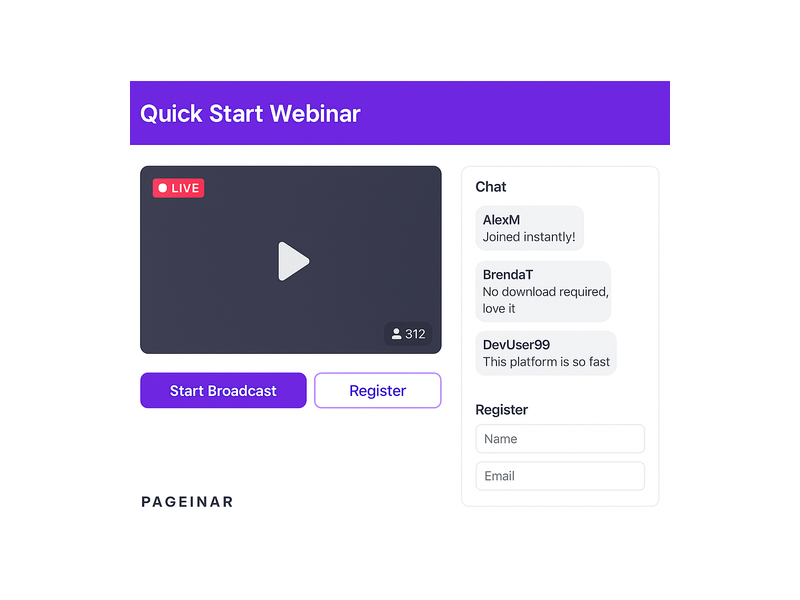
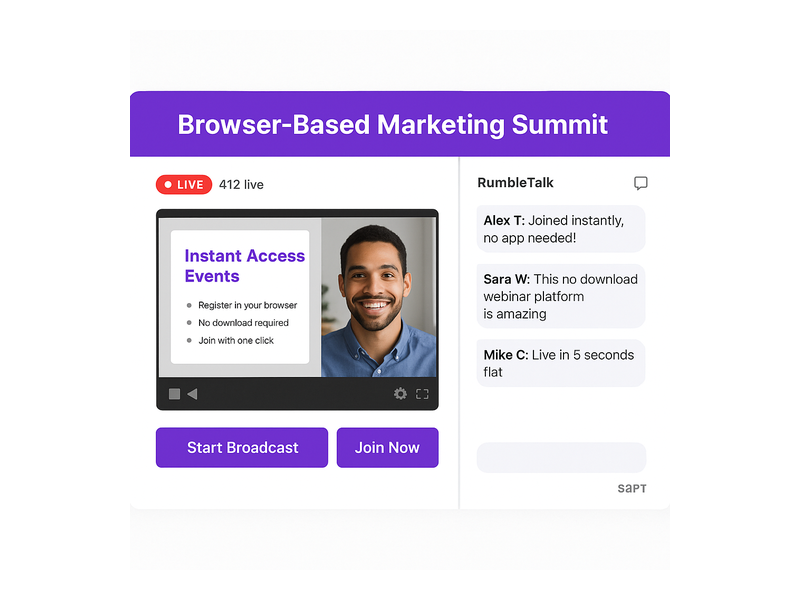
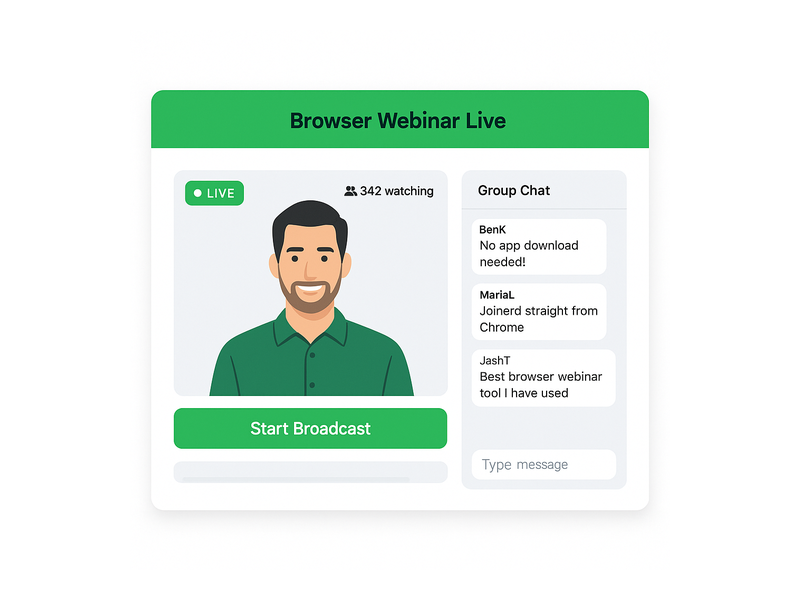
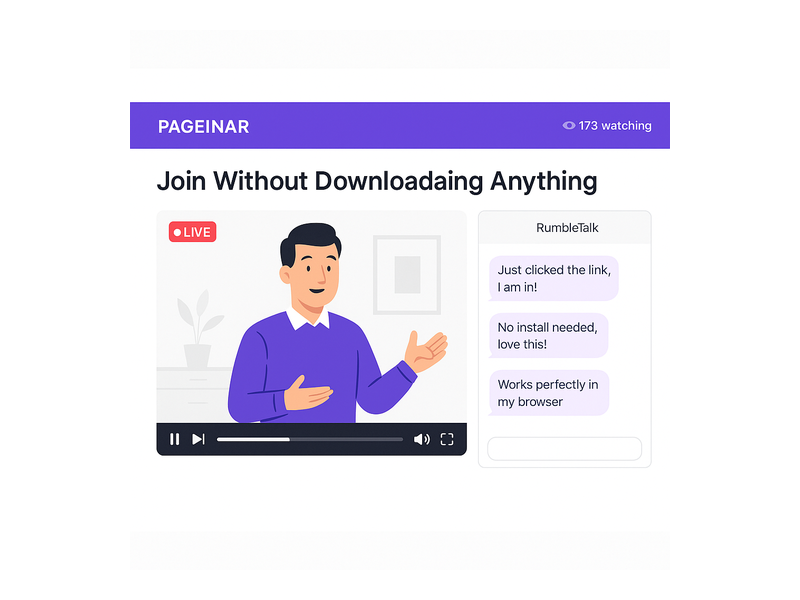
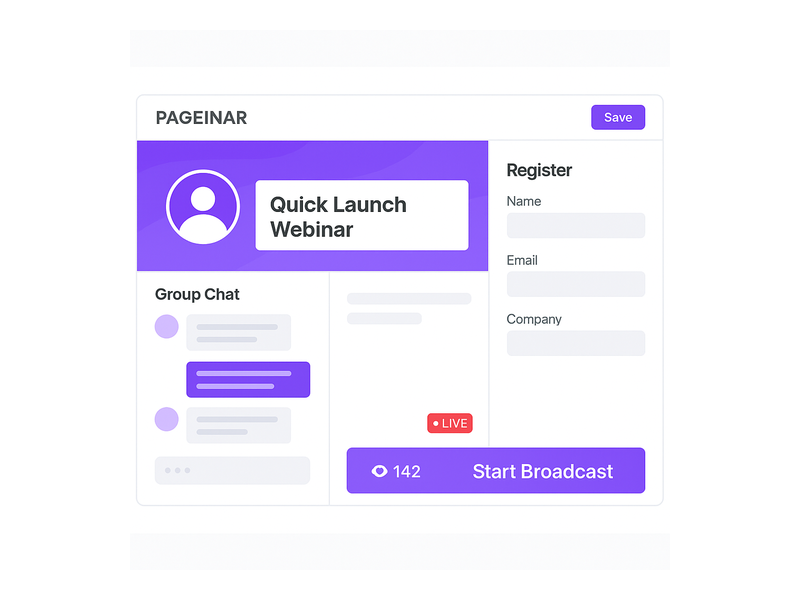
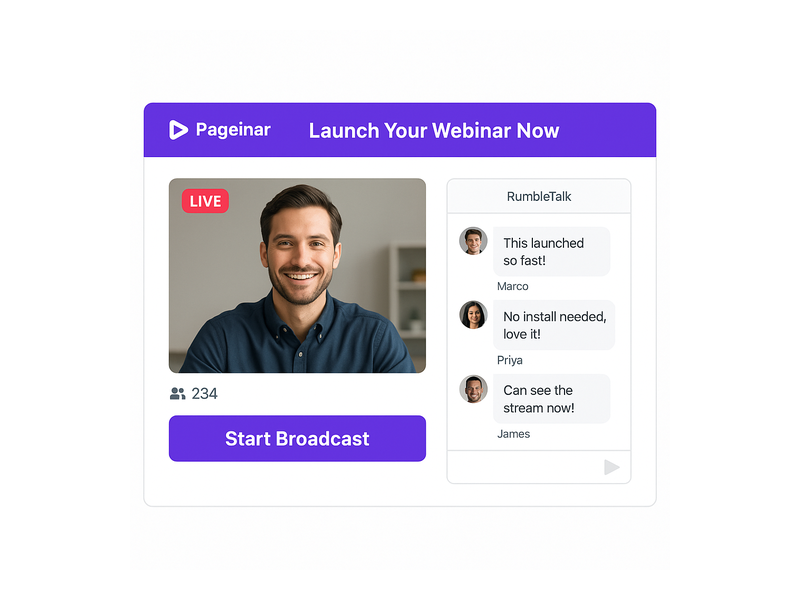
Third, toggle your page from Registration Mode to Broadcasting Mode using the button in the top-right corner of your dashboard. In Broadcasting Mode, the live video area on the bottom-right of your page becomes fully active. Furthermore, the integrated RumbleTalk group chat panel on the bottom-left activates so attendees can interact with you and each other in real time. This single toggle is all it takes to transition your page from a pre-event registration experience to a fully live broadcast environment.
Step 4: Press Start Broadcast and Go Live
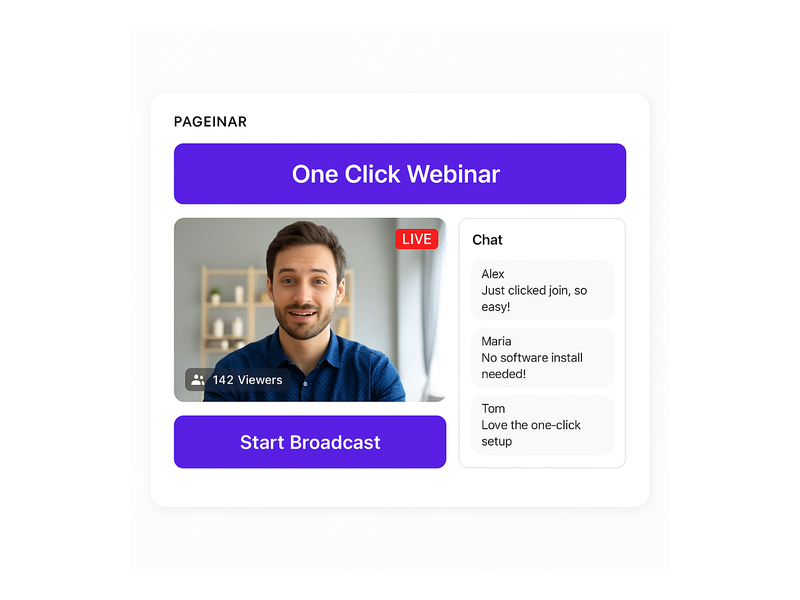
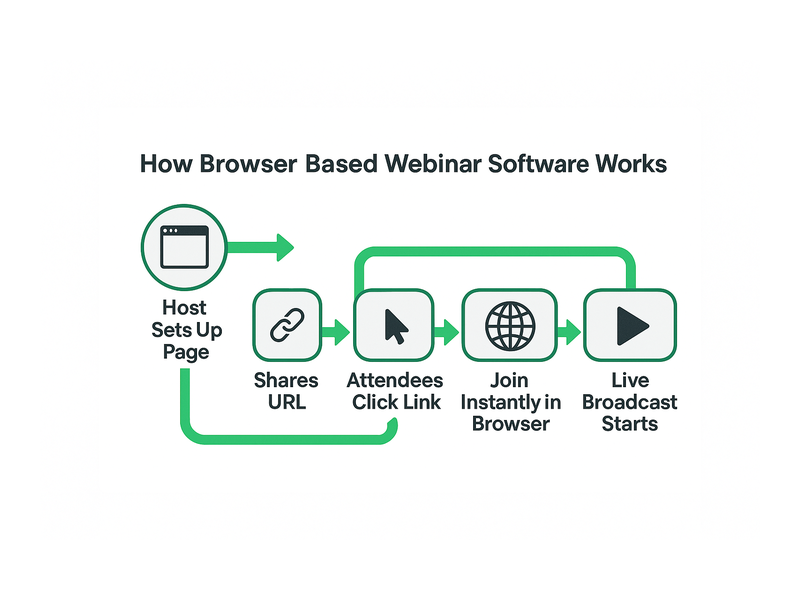
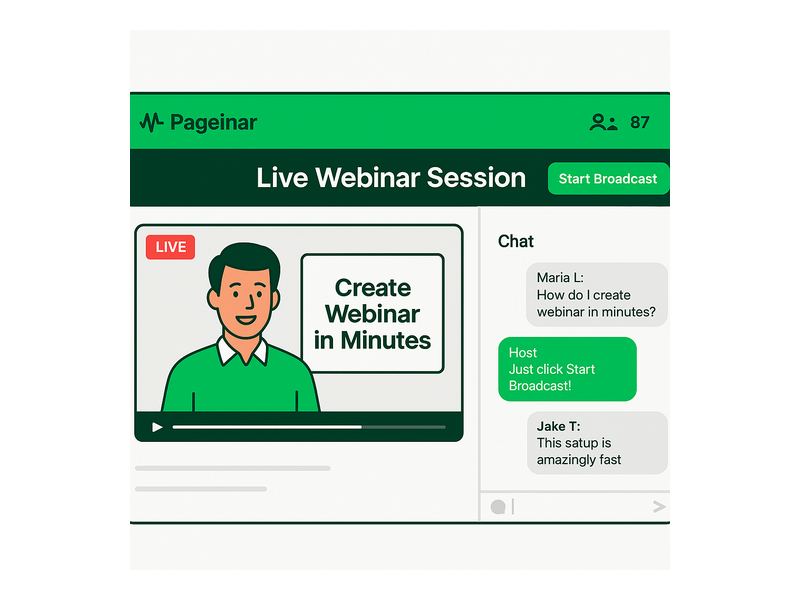
Finally, click the Start Broadcast button in the live area of your page. Your page status changes from OFFLINE to LIVE instantly. As a result, anyone visiting your URL sees the live stream immediately upon arrival. There are no waiting rooms, no countdown timers, and no complicated permissions to grant. You have successfully started your webinar instantly online, and your audience can join from any device without downloading a single file.
Start Webinar Instantly Online: Features That Make It Possible
Pageinar’s design philosophy centers entirely on speed and simplicity. In fact, every feature on the platform was built specifically to help you start webinar instantly online without friction or technical knowledge. Below is a detailed overview of the key platform capabilities that make instant live broadcasting a reality for any host.
No Attendee Software Required
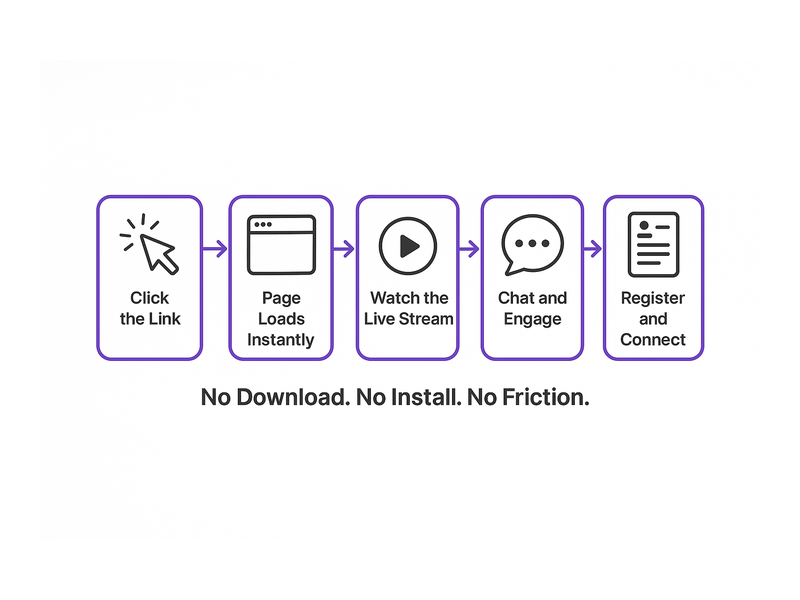
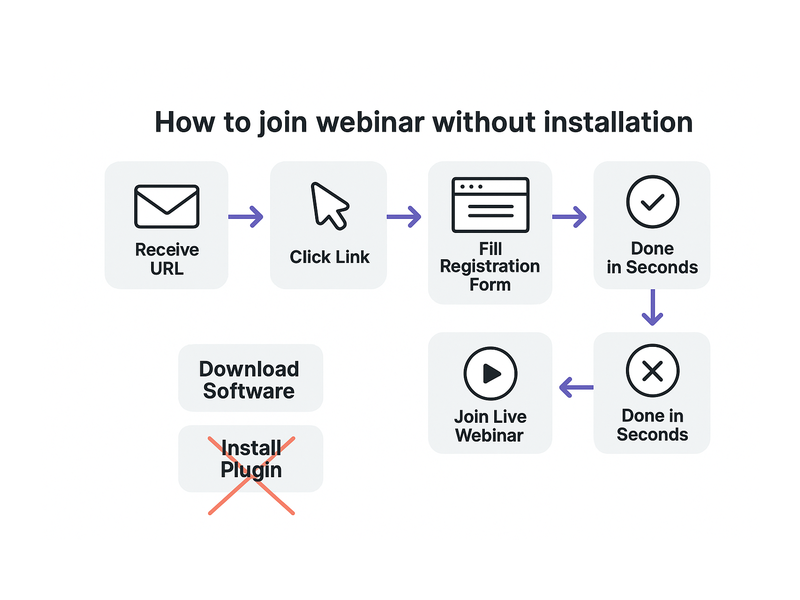
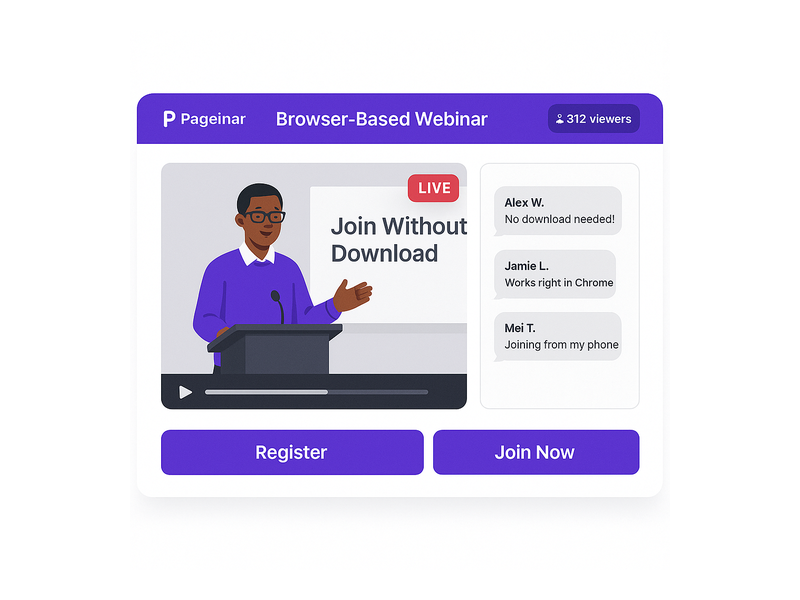
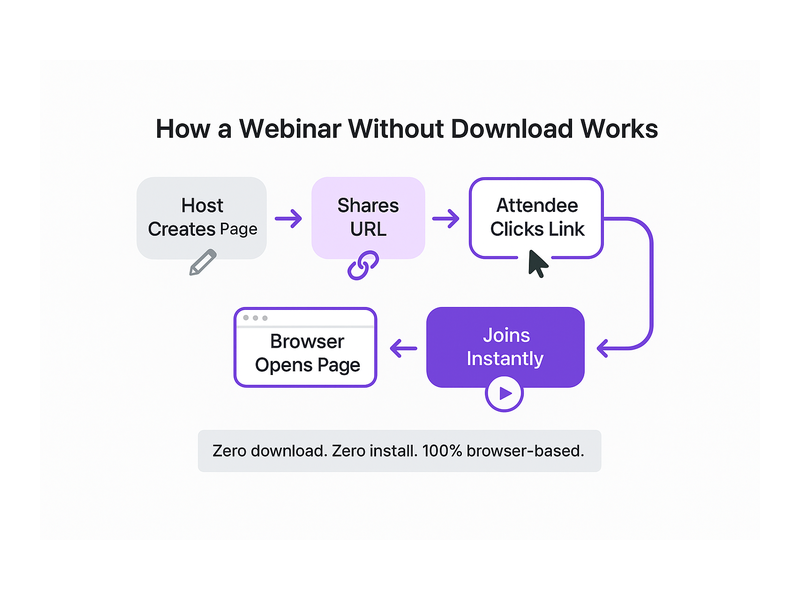
Attendees join your webinar by visiting a URL in any standard browser. Therefore, they do not need to download any desktop software, browser extensions, or mobile apps. This is especially critical for reaching broader audiences, including people on corporate computers with restricted software installation policies. Moreover, because everything runs in the browser, cross-platform compatibility is guaranteed for every attendee on every device.
Integrated RumbleTalk Group Chat
Every Pageinar broadcast page includes a built-in RumbleTalk group chat panel as a core feature. Furthermore, the chat supports moderation, custom visual themes, offline messages, and full admin controls. For example, you can display a custom welcome message while you are offline so that early visitors know your event is coming soon. In addition, the option to show viewer and speaker names builds a sense of community and makes each session feel interactive and personal.
Customizable Registration Page for Lead Capture
Before you start webinar instantly online, you can activate Registration Mode to collect leads from interested attendees in advance. Ideally, you configure the registration form with fields for First Name, Last Name, Company Name, Email, and Phone Number. Together, these fields build a qualified lead list before a single attendee watches your broadcast. The Registered List panel inside your Settings lets you search, view, and export all collected registrations at any time.
Password Protection for Private and Exclusive Events
Sometimes you want to start webinar instantly online but restrict access to invited participants only. Therefore, Pageinar includes a Page Password Protect option inside the Broadcast Settings panel. For example, a corporate training session, a paid coaching call, or a private investor briefing can all be secured behind a password you set. As a result, only participants with the correct password can view your page and join the broadcast, adding a layer of access control without any complicated authentication systems.
Social Links and Cross-Platform Promotion
Additionally, you can connect your social media profiles directly to your broadcast page via Broadcast Settings. Supported platforms include Facebook, Instagram, Twitter, YouTube, and Twitch. Furthermore, these links appear visibly on your page so attendees can follow you across other channels after the event concludes. In short, every broadcast becomes an opportunity to grow your multi-channel audience from one central, branded landing page.
Use Cases: Who Benefits When They Start Webinar Instantly Online?
The ability to start webinar instantly online delivers real value across many industries and professional roles. In fact, Pageinar serves high-profile partners including Nasdaq, Wix, HP, and Sony Music, demonstrating that the platform scales from individual creators to enterprise teams. Therefore, the platform’s flexibility suits a wide range of business, educational, and creative use cases with equal effectiveness.
Business Professionals and Sales Teams
Sales teams use Pageinar to start webinar instantly online for live product demos and client presentations. For example, a sales representative can share their Pageinar URL in a follow-up email and launch a live demo within minutes of a prospect expressing interest. As a result, deal velocity increases because there is zero friction between a prospect showing interest and experiencing a live demonstration. Moreover, the built-in lead collection feature captures contact details before the demo even begins, ensuring no lead is lost.
Educators and Online Course Creators
Educators benefit enormously from the ability to start webinar instantly online without technical preparation. For example, a teacher can announce a pop-up live Q&A session on social media and be broadcasting within ten minutes of the post going up. In addition, the registration page lets students sign up in advance, giving the educator a confirmed attendance list before the session. Furthermore, all broadcasts are recorded automatically so students who cannot attend live can review the content at their own convenience.
Event Organizers and Community Managers
Event organizers especially value how quickly they can start webinar instantly online when an unexpected opportunity or last-minute panel discussion arises. For instance, a conference organizer can add a bonus session to their lineup without scrambling to configure new software or negotiate new vendor contracts. Additionally, the fully customizable cover image, event title, and page description make each broadcast feel like a professionally branded event experience. In other words, professionalism does not have to be sacrificed for the sake of speed or agility.
Marketing Teams and Content Creators
Marketing teams rely on Pageinar to start webinar instantly online for product launch announcements, live audience Q&A sessions, and thought leadership broadcasts. Furthermore, the integrated group chat creates genuine real-time interaction, making the experience feel dynamic and community-driven rather than passive. In fact, live content consistently generates higher engagement and conversion rates than pre-recorded video across all B2B marketing benchmarks. Therefore, any team that can start a webinar instantly online gains a measurable and repeatable competitive edge in content marketing.
Tips to Maximize Engagement After You Start Webinar Instantly Online
Starting a webinar instantly online is only the first step toward a truly successful broadcast. However, the real business value comes from keeping your audience engaged throughout the session and following up effectively afterward. Below are practical, actionable tips for maximizing both interaction and results from every live event you host.
Assign a Dedicated Chat Moderator
First, assign a chat admin inside your Chat Settings before you go live. This person monitors the RumbleTalk chat panel, responds to audience questions in real time, and filters off-topic or disruptive comments. As a result, your broadcast stays focused, professional, and welcoming for all attendees. Furthermore, the chat admin can surface the most relevant audience questions for you to address verbally at key moments during the session.
Brand Every Element of Your Registration Page
Additionally, customize the registration page template, background color, welcome message, and header image to match your brand identity before every event. For example, upload a short teaser video as the registration page header to build excitement about your upcoming broadcast content. As a result, registrants feel a strong sense of anticipation and are significantly more likely to show up live on the day of the event. In fact, fully branded registration pages consistently convert at higher rates than plain, unbranded alternatives.
Export Your Lead List and Follow Up Fast
After you start webinar instantly online and your broadcast concludes, export the Registered List from your Settings panel immediately. This export includes attendee names, company affiliations, email addresses, phone numbers, and the exact date and time each person registered. Therefore, you have a warm, qualified lead list ready for immediate, personalized follow-up while your content is still top of mind. For a complete walkthrough of the registration setup process, visit the guide on how to collect leads before the broadcasting event in the Pageinar Knowledge Base.
Repurpose Your Broadcast Recordings
Furthermore, all live broadcasts are automatically recorded and saved in the Broadcast Recordings panel inside your Settings. As a result, people who missed the live session can watch the recording on demand at a time that suits them. Moreover, you can repurpose these recordings as gated lead magnets, social media highlight clips, or supplementary content for online courses. In other words, one live session you start webinar instantly online generates multiple lasting content assets with no additional production effort required.
Registration, Lead Capture, and the Full Business Case
One of Pageinar’s most powerful capabilities is how it combines the speed to start webinar instantly online with professional-grade lead capture and audience management. In fact, Registration Mode transforms your broadcast page into a fully functional event landing page complete with a customizable sign-up form, a branded header, and a countdown timer. Therefore, every attendee who registers becomes a measurable, qualified business contact you can follow up with after the event.
Moreover, you control exactly which fields appear on the registration form based on your specific business needs. For example, a B2B company targeting enterprise buyers might enable Company Name and Job Title fields to pre-qualify registrants before the event. Alternatively, an independent creator might only request First Name and Email to reduce sign-up friction and maximize total registrations. In addition, the Date and Time display on your registration page creates a clear deadline that drives urgency and encourages early sign-ups. Together, these tools position Pageinar as a complete end-to-end solution for live event marketing, from first impression through post-event follow-up.
For a broader look at what makes the platform uniquely effective for live engagement, read Unlock the Power of Seamless Webinars with Pageinar and discover how leading brands use Pageinar to connect with their audiences at scale.
Get Started and Go Live Today
If you are ready to start webinar instantly online, the entire process takes less than five minutes from your first visit to your first live broadcast. First, sign in with your Google account at pageinar.com. Second, customize your broadcast page with a cover image, event title, and description. Third, share your unique page URL with your target audience via email, social media, or messaging apps. Finally, switch to Broadcasting Mode, click Start Broadcast, and go live for your waiting attendees.
Moreover, you do not need a credit card to get started. The Free plan includes access to the core broadcasting features so you can experience the full platform before committing to a paid subscription. Therefore, there is genuinely no risk in trying it today. In fact, the sooner you start webinar instantly online, the sooner you begin building an engaged, growing audience and capturing qualified leads that drive real business results.
In short, Pageinar is the fastest and simplest way to start webinar instantly online without sacrificing professionalism, audience interaction, or lead generation capability. Start your free account, launch your first broadcast in minutes, and see what instant live streaming can do for your business.