

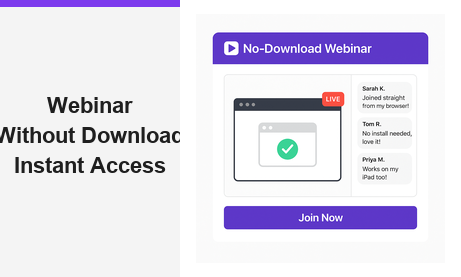
A webinar without download removes every barrier standing between your audience and your live event. Instead of asking attendees to install software or browser plugins, you share a single URL and they join immediately from any modern browser. Pageinar is built entirely around this principle, giving hosts a complete broadcast platform that requires zero installation on the viewer side. In this guide, you will learn why a webinar without download is the new standard for online events and how to run one in minutes.
What Is a Webinar Without Download?
A webinar without download is a live online event that attendees join directly through a web browser. There is no app to install, no plugin to enable, and no compatibility warning to dismiss. In fact, the entire experience lives on a hosted landing page. Moreover, the host controls every element of that page, from the cover image to the registration form, without touching a single line of code.
Traditional webinar tools often require attendees to download a desktop client or a browser extension before they can participate. As a result, many potential viewers drop off before the event even starts. A browser-based webinar without download solves this problem by eliminating friction at every step. Therefore, attendance rates improve and audience satisfaction increases significantly.
Why a Webinar Without Download Matters for Your Audience
First, consider the attendee experience. When someone receives an invitation link, they want to click and join immediately. However, if they encounter a download prompt, many will abandon the process before even reaching the event. According to research discussed on Wikipedia’s webcast page, browser-based delivery has become the standard for modern online events precisely because it eliminates the access barriers that cause drop-off. A webinar without download therefore keeps your attendance rate high from the very first click.
No Barriers to Entry
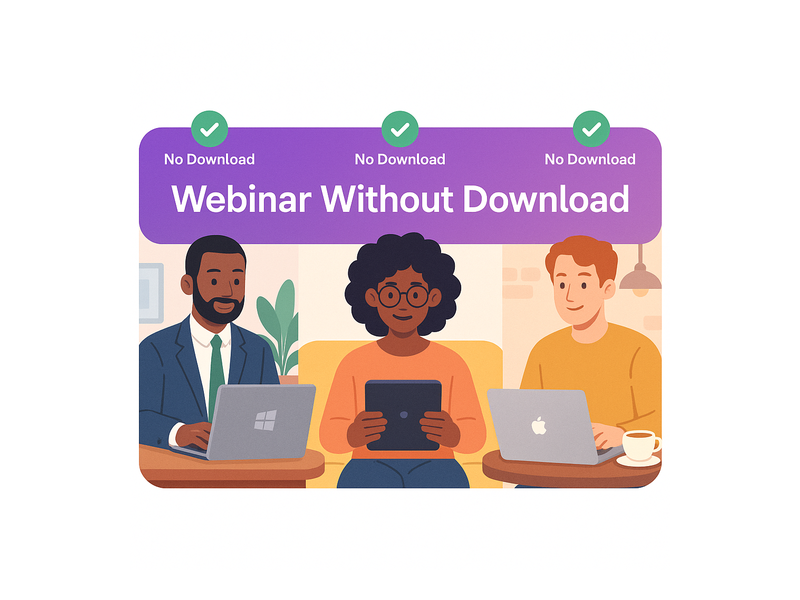
Additionally, a no-download approach removes device and operating system restrictions entirely. Whether your audience uses Windows, macOS, iOS, or Android, a browser-based session works for all of them. For example, a financial services company hosting a client briefing can reach attendees on corporate-locked PCs that block software installations. With a webinar without download, those attendees join effortlessly without needing IT approval.
Higher Attendance Rates
Furthermore, easier access translates directly into higher show rates. When registrants do not need to prepare anything in advance, they are far more likely to actually attend on the day. In other words, reducing technical steps increases your live audience size. Moreover, it strengthens your brand impression, because attendees associate a smooth, frictionless experience with a professional and trustworthy host.
Mobile and Tablet Friendly
Additionally, a webinar without download works seamlessly on mobile devices. Attendees at a conference, commuting on public transport, or relaxing at home on a tablet can join your live session without any preparation. For example, a coaching business running a weekly live Q and A session can expect participants to join from phones as easily as from desktops. Together, cross-device accessibility and zero install requirements create the most inclusive event experience possible.
How Pageinar Delivers a Webinar Without Download
Pageinar is designed from the ground up as a webinar without download platform. Every broadcast runs on a hosted landing page that the host creates in minutes. Therefore, you never ask your audience to install anything at all. The Pageinar live broadcast platform handles all streaming infrastructure in the cloud, so attendees simply click your shared link and the event loads in their browser immediately.
Browser-Based Broadcasting
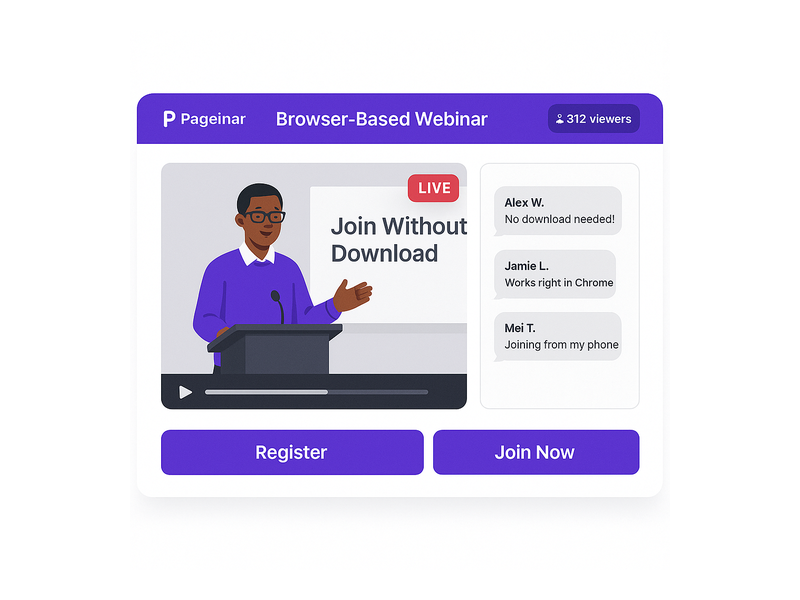
The broadcast area on your Pageinar page streams live video directly in the browser window. In fact, the viewer sees the video player, the live chat panel, and the event details all on one page without switching tabs or opening any external application. Additionally, a red LIVE badge appears automatically when you are broadcasting, so attendees always know the session is active. This is the core promise of a webinar without download: one URL, instant access, no setup.
Integrated Chat Without Any Plugin
Pageinar includes a RumbleTalk group chat panel built into every broadcast page. Therefore, attendees ask questions and interact in real time without installing any chat client or third-party tool. For example, a product team running a feature launch webinar without download can collect live audience feedback right in the chat, with full moderation controls available to the host. This makes the entire event a genuinely self-contained browser experience.
Registration Mode for Lead Collection
Before the live event, you switch your page to Registration Mode. Attendees fill out a customizable form including name, company, email, and custom fields, all directly inside the browser. As a result, you collect qualified leads while still offering a completely frictionless webinar without download experience. To set this up step by step, visit the Pageinar Knowledge Base guide on collecting leads before a broadcasting event.
Setting Up Your Webinar Without Download on Pageinar
Getting started is straightforward, and you do not need any technical skills. Moreover, the entire setup happens in your browser, which means even the host experience is download-free. Follow these steps to launch your first webinar without download today.
- Sign in with Google. Visit pageinar.com and log in using your Google account. No password setup is required, and the process takes under ten seconds.
- Customize your broadcast page. Add a cover image, your avatar, the webinar title, and an event description. These elements appear on the landing page your viewers will see when they click your link.
- Switch to Registration Mode. Use the top-right toggle to activate Registration Mode. Configure lead collection fields so attendees sign up and provide their details before the event begins.
- Configure your chat and settings. Open the settings panel to set an offline message, choose a chat theme, and add social media links. These details personalize the attendee experience.
- Switch to Broadcasting Mode. When your event is ready, toggle back to Broadcasting Mode and click Start Broadcast. Your live video goes out instantly to everyone on the page.
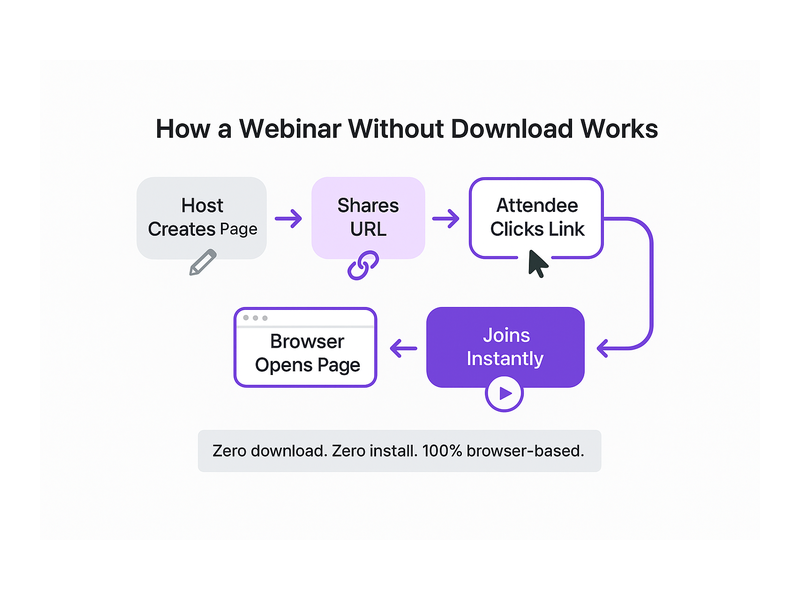
- Share the URL. Copy your page link and send it via email, social media, or a calendar invite. Viewers click the link and join your webinar without download immediately, in any browser.
Use Cases for a Webinar Without Download
Corporate Training and Onboarding
HR teams at large organizations often struggle to deliver training to employees on locked-down devices. A webinar without download removes IT barriers entirely. For example, a company onboarding two hundred new hires across three continents can broadcast a live orientation session. Every attendee joins from their browser, regardless of device restrictions, corporate firewalls, or operating system versions.
Product Launches and Sales Demos
Sales teams use a webinar without download to demonstrate new products to prospects who are already skeptical about clicking unknown links. Additionally, prospects are far more likely to attend when they see that no download is required. In fact, a SaaS company can send a simple calendar invite with a Pageinar link and expect strong attendance because the join process is completely frictionless from the recipient’s perspective.
Online Courses and Coaching
Educators and coaches benefit enormously from a no-download setup. Students join from tablets, phones, or school computers without any installation step. Therefore, the instructor focuses entirely on teaching rather than troubleshooting technical issues at the start of every session. Furthermore, the integrated chat lets students ask questions live, creating an interactive classroom experience that rivals in-person events.
Virtual Conferences and Panel Discussions
Event organizers run multi-session virtual conferences using a webinar without download approach very effectively. Each session lives on its own Pageinar page with its own URL. As a result, attendees bookmark the relevant links and click in when each session starts, with no software conflicts between sessions. Moreover, recordings are saved automatically, so anyone who misses a live session can watch the replay at their convenience.
Webinar Without Download vs. Traditional Webinar Tools
Traditional webinar platforms often require a desktop client, a browser plugin, or at minimum a mobile app before attendees can join. In contrast, a webinar without download platform runs entirely in the browser with no preparation required. Therefore, there is no version mismatch, no compatibility error, and no support ticket from an attendee who could not install the software in time. The reduction in pre-event technical support alone saves hosts hours of work per event.
Additionally, traditional tools often impose their own branding on the event page. However, Pageinar gives you a fully customizable landing page where you control the colors, the cover image, the avatar, and the event description. In other words, your audience sees your brand, not a generic platform interface. This consistency builds trust and reinforces your professional image throughout the entire webinar without download experience.
Tips for Running a Successful Webinar Without Download
Communicate the No-Download Advantage in Your Invitation
First, make sure your invitation explicitly states that attendees do not need to download anything. Many people assume a webinar requires software. Therefore, including a clear line such as ‘Join instantly in your browser, no download needed’ reduces no-shows caused by technical anxiety. This single sentence can meaningfully increase your registration-to-attendance conversion rate.
Test Your Broadcast Before Going Live
Additionally, run a test broadcast at least twenty-four hours before the event. Pageinar lets you start a private session to check audio quality, video feed, and chat functionality. As a result, you go live with full confidence, knowing every element of your webinar without download setup works correctly across different browsers and devices.
Use Registration Mode to Warm Up Your Audience
Ideally, activate Registration Mode at least one week before your event. This gives you time to collect attendee details, send reminder emails, and build anticipation. Moreover, the registration step gives attendees a sense of commitment that increases actual attendance rates. For further inspiration on building audience engagement, read our post on Unlock the Power of Seamless Webinars with Pageinar.
Engage Your Audience With Live Chat
Finally, encourage attendees to use the chat panel throughout your session. Ask questions, invite comments, and acknowledge attendees by name as they check in. In fact, active chat engagement increases session retention significantly. Together, a smooth webinar without download experience and a lively chat create an event that attendees remember and recommend to colleagues.
Start Your Webinar Without Download Today
A webinar without download is no longer a technical luxury; it is the baseline expectation of modern online audiences. Pageinar makes it easy to deliver that experience with a fully branded broadcast page, an integrated chat panel, lead collection tools, password protection, and automatic recording, all without asking your audience to install a single file. Therefore, if you want higher attendance, smoother events, and a stronger brand impression, now is the time to switch to a webinar without download platform. Visit pageinar.com today and launch your first browser-based event in minutes.