

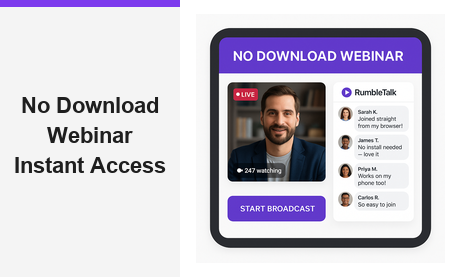
Every time an attendee is forced to install software before joining an event, the host risks losing them permanently. A no download webinar eliminates that barrier entirely — viewers click a shared URL, land on a branded broadcast page, and join the live session without installing a single plugin or application. This is not just a convenience upgrade; it is a strategic decision that directly affects attendance rates, audience reach, and overall event performance. Pageinar’s instant webinar and broadcast landing page platform was built from the ground up around this principle, delivering a fully hosted event experience that attendees access in seconds, on any device, with nothing to download.
What Is a No Download Webinar?
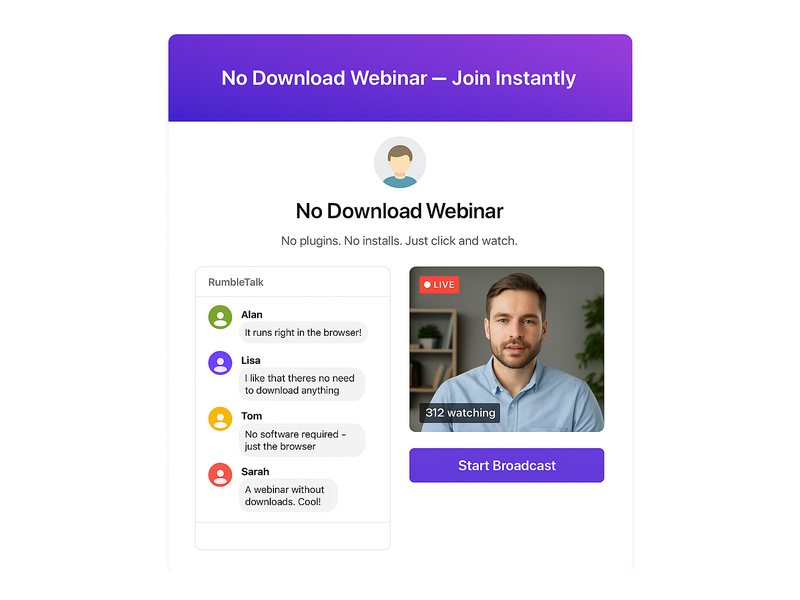
A no download webinar is a live online event that runs entirely inside a web browser. Attendees do not need to install an app, a desktop client, a browser extension, or any plugin whatsoever. They receive a URL, they click it, and the broadcast begins immediately. The host manages everything — the landing page, the live video, the integrated chat, and the registrations — from a single hosted dashboard. Moreover, from the audience perspective, the experience is indistinguishable from visiting any modern website: fast, familiar, and completely frictionless. According to widely recognized webinar best practices, reducing pre-event friction is one of the most effective strategies for increasing live attendance rates.
For business audiences, the no-download model is especially critical. Corporate IT departments routinely block unauthorized software on managed devices. In fact, many enterprise employees cannot install third-party applications even if they want to. A browser-based broadcast bypasses all of those restrictions automatically. Additionally, attendees on mobile devices — smartphones and tablets — get the same seamless experience because the session runs natively in their mobile browser without any app installation required.
In short, the no download webinar is the format that removes the most common reason audiences abandon events before they even begin.
Why Download Requirements Drive Attendees Away
Before browser-native broadcast platforms became mainstream, hosts routinely saw drop-off rates of 20–40% during the pre-event setup phase. Attendees who encountered a download prompt often closed the page and never returned. Therefore, eliminating the install step is one of the highest-impact changes any event host can make to their live attendance rate. There are three primary reasons attendees leave when a software download is required:
- Time friction: Downloading and installing software adds 5–10 minutes of unnecessary setup before the event begins. Many attendees simply do not have that buffer, especially those joining from a mobile device or a slow internet connection.
- Security concerns: Downloading an executable from an unfamiliar source raises legitimate red flags. Attendees are increasingly cautious about running software they did not specifically seek out, and a surprise download prompt can make even a trusted host appear suspicious.
- Device restrictions: Smartphones, tablets, Chromebooks, and corporate-managed laptops frequently prevent software installation entirely. A no download webinar works on all of these devices without any special permissions or IT approval whatsoever.
Furthermore, international audiences face additional challenges. Slow connections make large downloads painful, and installation wizards displayed in an unfamiliar language create unnecessary confusion. A browser-native event removes every one of these obstacles in a single architectural decision, ensuring that anyone with a modern browser can attend — regardless of their device, location, or technical background.
How Pageinar Delivers a True No Download Webinar
Pageinar is purpose-built for the no download webinar model. When a host signs in with Google, they immediately receive a hosted broadcast landing page — no setup wizard, no code, no third-party plugins required. The host customizes the page with a cover image or background color, an avatar, a webinar title, a description, and social media links for Facebook, Instagram, Twitter, YouTube, and Twitch. Once the page is ready, the host shares the URL with their audience. Attendees click the link, and the experience begins — entirely in the browser, with nothing to install on either side.
Registration Mode: Collect Leads Before You Go Live
Before the event, the host switches their Pageinar page to Registration Mode. In this state, visitors land on a fully branded registration form where they enter their details — first name, last name, company, email, phone number, and any custom fields the host has configured. The host can set an event date and time, display a welcome message, upload a header image or video, and enable a countdown timer to build anticipation. All collected registrations appear in the Registered List panel and can be exported as a CSV for CRM follow-up and post-event outreach campaigns.
Importantly, the no download webinar experience begins at the registration stage, not just at broadcast time. Every step of the attendee journey — registering, waiting, and attending live — happens entirely inside the browser. There is no app to install at any point, which dramatically reduces the support burden on the host’s team and keeps the audience focused on the content, not the technology.
Broadcasting Mode: Go Live With One Click
When it is time to present, the host switches to Broadcasting Mode. A single Start Broadcast button launches the live stream directly from the Pageinar page. No external streaming software, no desktop setup, no virtual camera configuration — the broadcast runs entirely through the browser. Viewers who registered, or who received the direct broadcast URL, open the page and watch live. The integrated chat panel appears alongside the video player, giving attendees a real-time group conversation with moderation tools, custom themes, admin controls, and a speaker or viewer display — all without a single download on the attendee side.
Key Features That Power Your No Download Webinar
A successful no download webinar requires more than a simple video embed. Pageinar combines a full suite of production-ready features into a single hosted landing page, making it possible to run polished, professional events without any technical installation on either side of the broadcast:
- Page password protection: The host can require a password to access the broadcast page, keeping private events secure without any plugin or firewall configuration needed.
- Social media links: Built-in support for Facebook, Instagram, Twitter, YouTube, and Twitch lets attendees follow the host across platforms directly from the event page.
- Broadcast recordings: Every session is automatically recorded. The Broadcast Recordings panel lists past sessions with full duration metadata, and recordings can be exported for on-demand distribution — extending the value of each no download webinar well beyond the live event itself.
- Lead collection fields: The registration form supports First Name, Last Name, Company, and fully custom fields. The host toggles exactly which fields to display, keeping the form as short or as detailed as the target audience requires.
- Chat administration: Custom chat themes, offline messages, moderation tools, and viewer or speaker toggling give the host complete control over the conversation environment during the live session.
- Subscription management: The Subscription Details panel shows the current plan, attendee limit, remaining broadcast duration, and upgrade or cancel options — all from a single settings view.
For step-by-step guidance on any of these features, the Pageinar Knowledge Base covers everything from editing the registration page to changing chat themes, setting a page password, and exporting broadcast recordings.
Who Uses No Download Webinars?
The no download webinar format is not limited to a single industry or audience type. Organizations of every size — from independent consultants to global enterprises — choose browser-native broadcast because it removes the single biggest barrier to attendance: the installation step. Nasdaq, Wix, HP, and Sony Music have all used Pageinar to reach audiences spanning multiple devices, geographies, and IT environments without requiring a single download from any participant.
Corporate Training and Internal Communications
HR and learning and development teams rely on the no download webinar format for employee onboarding, compliance training, and company-wide all-hands broadcasts. Because corporate devices frequently block software installs, a browser-based session is often the only option that works reliably for every employee on the roster. The host sends one URL, employees click in from their managed laptops or personal phones, and the training begins immediately — no IT ticket, no install request, no delay before the first slide appears.
Marketing and Lead Generation
Marketers run product demos, thought leadership panels, and customer education sessions as browser-native broadcast events. Registration Mode captures qualified leads automatically — every registrant’s name, company, and email flows directly into the Registered List for export and CRM import. The low barrier to attendance means fewer drop-offs at the top of the funnel and more engaged, qualified prospects entering the pipeline after each event.
Virtual Events and Conference Sessions
Event organizers use Pageinar to host single-track broadcasts and multi-speaker sessions without building a custom event platform from scratch. The host customizes the landing page to match their event branding, and attendees from anywhere in the world join instantly in their browser. There is no account to create, no app to download, and no software version to verify before the session begins — just a URL and a click.
Education and Online Coaching
Educators and coaches run weekly live sessions, interactive Q&As, and workshop broadcasts using a browser-based setup. The integrated chat lets students ask questions in real time while the host moderates the conversation. The recording export feature gives absent students access to the full session replay. Additionally, for recurring programs, the host keeps the same Pageinar URL across every session — attendees simply bookmark it and return each week with zero setup overhead on their end.
No Download Webinar Setup: Step-by-Step on Pageinar
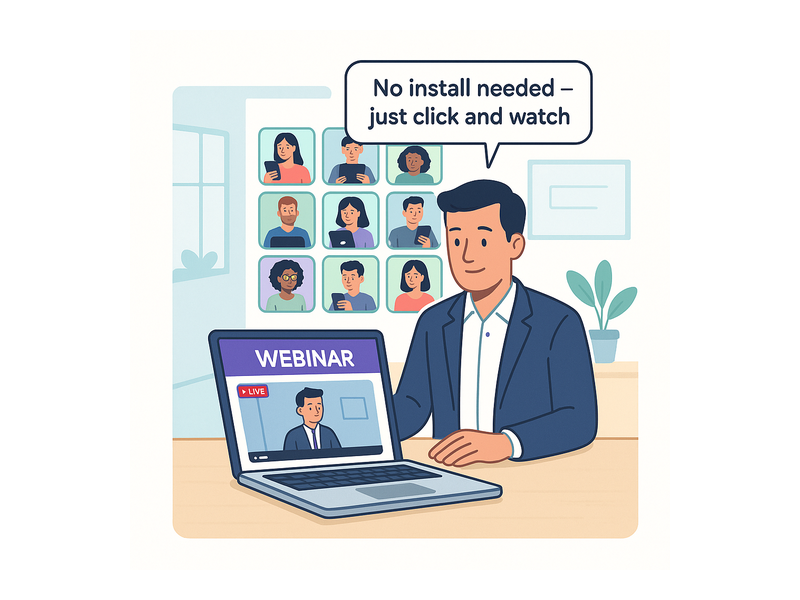
Setting up a no download webinar on Pageinar takes fewer than ten minutes from first sign-in to going live. Here is the complete process, start to finish:
- Sign in with Google — visit Pageinar and use the Google sign-in button. No email or password account is required — authentication runs entirely through Google OAuth, so there is nothing extra to create.
- Customize your broadcast landing page — upload a cover image or select a background color, add your avatar, and fill in the webinar title, event description, and your website URL.
- Configure Registration Mode — open the Settings panel, select Registration Settings, choose a registration page template, write a welcome message, set the event date and time, and toggle the lead collection fields you want to capture from registrants.
- Share the registration URL — copy your Pageinar page URL and distribute it via email campaigns, social posts, or any marketing channel you use. Attendees register instantly in the browser with no download step at any point.
- Switch to Broadcasting Mode — when the event is about to begin, toggle your page to Broadcasting Mode using the top-right control on your Pageinar dashboard.
- Hit Start Broadcast — click the button and you are live. Registered attendees see the stream load in real time — still in their browser, still with nothing to install or configure.
- Manage chat and moderate — use the chat admin panel to pin important messages, manage participants, or spotlight guest speakers during the live session.
- Export leads and recording — after the event ends, download the Registered List as a CSV and export the broadcast recording for on-demand access, follow-up campaigns, or content repurposing.
Each of these steps is fully documented in the platform’s help resources, giving every host — regardless of technical background — the confidence to run a polished, professional event independently.
Browser-Based Broadcasts vs. Traditional Desktop Platforms
Traditional webinar tools often require attendees to install a desktop client, grant permissions through a proprietary launcher, or create a platform-specific account before they can view the event. The result is a multi-step onboarding process that begins before a single slide is shown — and each extra step costs the host a measurable portion of their expected audience.
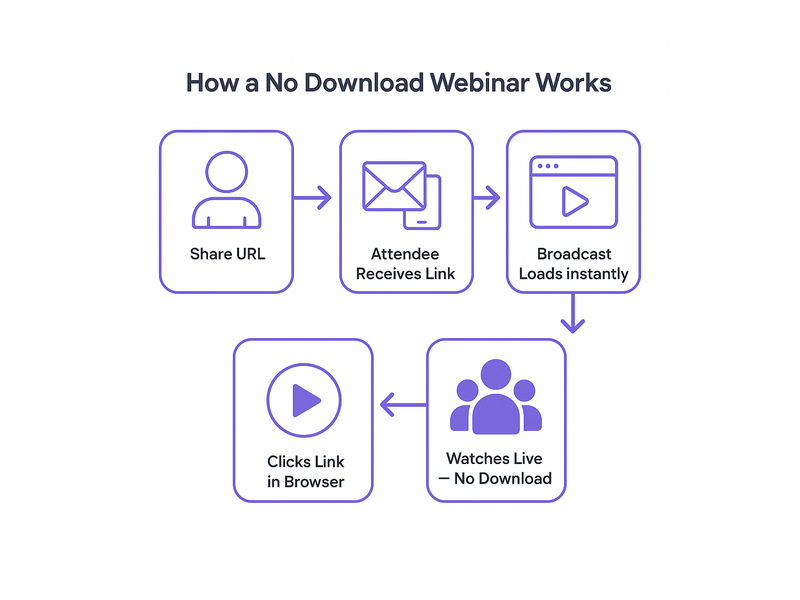
A no download webinar on Pageinar compresses the entire attendee journey into a single URL click. The broadcast loads in the browser. The chat opens alongside the video. The host controls everything from one dashboard. There is no launcher to install, no version check to run, no confusing audio permission dialog, and no IT approval required for participants on managed corporate devices.
Additionally, because Pageinar pages are permanent hosted landing pages — not one-time meeting rooms that expire after a session — the host can reuse the same URL for every recurring event. Regular attendees bookmark the page and return each week with zero new setup. This consistency is particularly valuable for ongoing training series, weekly marketing webinars, and subscription-based content programs where audience retention across sessions matters.
For a comprehensive introduction to everything the platform offers, read Unlock the Power of Seamless Webinars with Pageinar — a full overview of the broadcast capabilities and the design philosophy behind the product.
Conclusion: Make Every Event a No Download Webinar
The no download webinar is no longer an emerging format — it is the new baseline expectation for modern online events. As audiences grow less willing to install software and more likely to join from mobile devices, tablets, or IT-managed corporate laptops, browser-native broadcast platforms have shifted from a convenience option to a competitive necessity. Pageinar delivers a complete, production-ready no download webinar solution: a fully customizable branded landing page, built-in lead collection, one-click broadcasting, integrated moderated chat, automatic session recording, and exportable attendee data — all accessible through a URL, on any device, in any browser, with absolutely nothing to install.
If you are ready to eliminate installation friction and maximize attendance at your next event, sign up at Pageinar today and launch your broadcast landing page in minutes — a truly frictionless no download webinar experience for you and every member of your audience.