

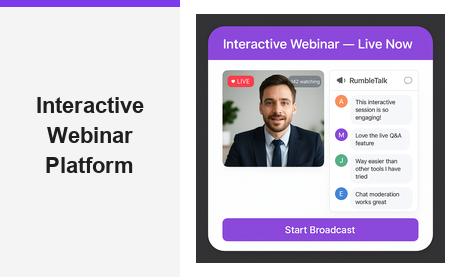
Choosing the right interactive webinar platform can make or break your online events. Whether you are hosting a product launch, a corporate training session, or a live Q&A with prospects, the platform you choose determines how smoothly your audience connects with you — and how many leads you capture along the way. Pageinar’s instant broadcast landing page service is an interactive webinar platform built for speed and simplicity: sign in with Google, customize your hosted page, and you are ready to broadcast in minutes. No downloads, no plugins, no complicated setup. Just a clean, branded landing page that works seamlessly for both host and attendees from the very first session.
What Makes a Great Interactive Webinar Platform?
Not every webinar tool is created equal. An interactive webinar platform should do more than simply stream video — it should engage your audience in real time, capture valuable leads, and give your brand a professional presence from the moment a visitor lands on your event page. Moreover, it should be easy enough to use that you can go live without a technical team standing by.
The key features that separate a great interactive webinar platform from an average one include:
- Real-time audience interaction — live chat, Q&A, and moderation tools that keep viewers engaged throughout the session
- Lead capture tools — registration forms that collect names, emails, company details, and custom fields before the event begins
- No-friction access for attendees — viewers should be able to join without downloading any software or creating a new account
- Branding and customization — your event page should reflect your brand, not a generic platform interface
- Recording and replay — every broadcast should be automatically saved and exportable so you can repurpose content after the event ends
According to research on webinar adoption, interactive features like live chat and audience participation consistently rank as the top reasons attendees prefer webinars over pre-recorded videos. Additionally, platforms that remove sign-up friction for attendees see significantly higher join rates. Therefore, when evaluating an interactive webinar platform, prioritize ease of access alongside the depth of engagement features on offer.
How Pageinar Delivers as an Interactive Webinar Platform
Pageinar redefines what an interactive webinar platform looks like in practice. Instead of a complex dashboard with dozens of settings to configure before you can go live, Pageinar gives every host a single, fully branded landing page that doubles as both a registration page and a live broadcast stage. Furthermore, the entire setup takes minutes — not hours — making it ideal for busy marketing teams and solo entrepreneurs alike.
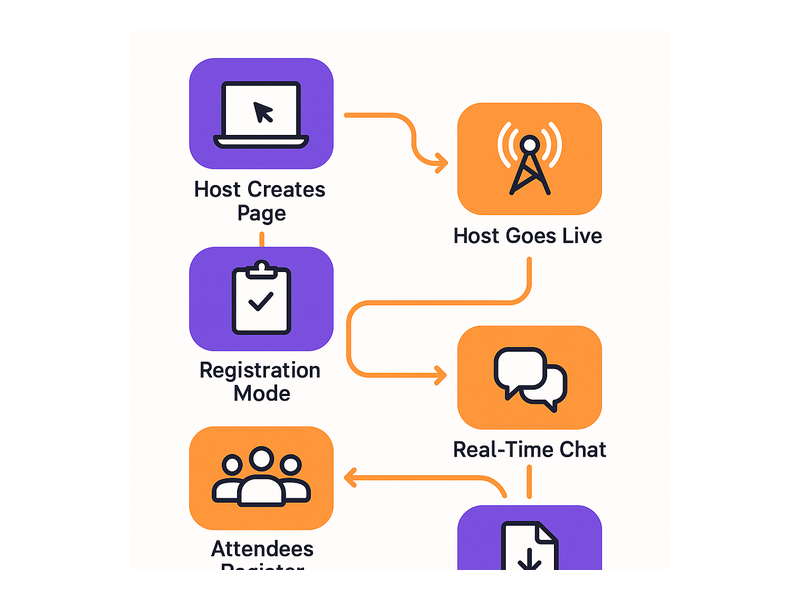
Here is how the platform works from start to finish:
- Sign in with Google — no email and password signup; just click and you are immediately inside your account
- Customize your page — upload a cover image or choose a background color, add your avatar, write your event title and description, and link your website
- Toggle between modes — switch between Registration Mode to collect leads and Broadcasting Mode to go live, using a single toggle at the top right of your page
- Share the URL — send one link to all your attendees; they open it in any browser and they are inside your event instantly, with no additional steps
Registration Mode — Collect Leads Before You Go Live
In Registration Mode, your Pageinar page transforms into a fully customizable lead capture form. You can select a registration page template, set a background color and header image or video, add a live countdown timer, and configure exactly which fields you want to collect — First Name, Last Name, Company, Phone, or any custom field you define. As a result, by the time your broadcast begins, you already have a qualified lead list waiting in your Registered List panel, searchable and exportable with one click.
This makes Pageinar an especially powerful interactive webinar platform for B2B marketers who need pipeline data, not just attendance numbers. For example, a SaaS company running a product demo can require registrants to enter their company name and job title — automatically segmenting leads for post-event follow-up without any manual data entry.
Broadcasting Mode — Go Live in One Click
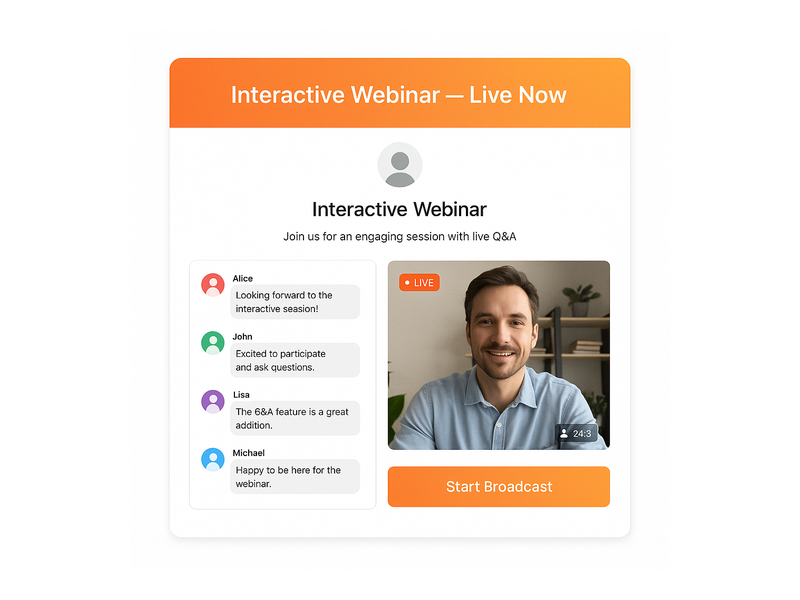
When your event begins, toggle to Broadcasting Mode and click Start Broadcast. Your page instantly displays a LIVE badge, a viewer count, and your live video feed — all inside the same hosted URL you shared with registrants. In other words, attendees never need to click a second link or install a plugin. They are already on the page and the experience is seamless.
Pageinar’s broadcasting engine is built directly into the platform, so there is no external software to install on the host side either. This frictionless experience is one of the reasons leading brands like Nasdaq, Wix, HP, and Sony Music have chosen Pageinar as their interactive webinar platform for high-stakes live events.
The Power of Real-Time Chat on an Interactive Webinar Platform
Audience interaction is the heartbeat of any successful interactive webinar platform. Pageinar integrates a powerful group chat panel, giving hosts full moderation control, multiple visual themes, and the ability to manage who speaks and who listens — all from within the same hosted page your attendees are already viewing.
The chat panel sits alongside the live video area on every Pageinar broadcast page. Hosts can:
- Moderate messages — approve, delete, or flag messages in real time without disrupting the broadcast
- Set an offline message — display a custom welcome message to visitors before the broadcast starts
- Choose chat themes — select from multiple visual themes to match your brand aesthetic and event tone
- Control viewer and speaker display — show or hide the list of active participants depending on your preference
- Assign chat admins — delegate moderation duties to a team member so you can focus entirely on presenting
Additionally, the chat panel displays rounded message bubbles with bold usernames and timestamps, giving your broadcast a polished, professional feel that matches the quality of the rest of your interactive webinar platform page. For instance, a corporate training webinar can use a branded chat theme with the client’s colors, making the entire experience feel like a bespoke product rather than a generic third-party tool.
Customization and Branding on Your Interactive Webinar Platform Page
First impressions matter enormously. When a registrant lands on your Pageinar page for the first time, they should immediately recognize your brand — not a generic third-party interface. Pageinar gives hosts deep customization options at every layer of the page, ensuring your event page looks as professional as the content you are delivering.
From the main page editor, you can update:
- Cover image or background color — set a full-bleed header image or a solid brand color to anchor the page visually
- Avatar — display your personal headshot or company logo front and center
- Webinar title — the headline of your event, displayed prominently above the fold for every visitor
- Description — a short, compelling summary of what attendees can expect from the session
- Website URL — link back to your main site directly from your event page
From the Settings panel, accessed via the gear icon, you can also add social links for Facebook, Instagram, Twitter, YouTube, and Twitch — turning your broadcast page into a full social hub. Furthermore, you can password-protect your page so that only invited attendees can access the event, adding an extra layer of exclusivity for private corporate training or premium paid sessions. This level of control makes Pageinar one of the most flexible interactive webinar platforms available for teams that care about brand consistency across every attendee touchpoint.
Lead Generation and Analytics Built Into Your Interactive Webinar Platform
An interactive webinar platform that does not help you generate and track leads is leaving significant pipeline value on the table. Pageinar treats lead generation as a first-class feature, giving you the tools to capture, review, and act on attendee data without switching between multiple systems.
Every registration form submission is saved automatically in the Registered List panel inside your Pageinar settings. You can search the list by name, company, or email, and export the entire dataset for use in your CRM, email marketing platform, or sales team’s outreach workflow. The fields you collect are fully configurable — meaning you can ask exactly the right qualifying questions for your specific sales motion, whether that is company size, industry, job title, or a custom field unique to your event.
Beyond leads, Pageinar also stores all your broadcast recordings in the Broadcast Recordings panel. Each recording displays the session duration and can be exported for repurposing as on-demand content, training materials, or highlight reels shared on social media. Therefore, every live event you run on this interactive webinar platform continues to generate value long after the broadcast has ended.
For step-by-step guidance on setting up your registration and lead collection workflow, the Pageinar Knowledge Base covers everything from creating a new page to configuring custom registration fields and exporting your lead list.
Who Uses Pageinar as Their Interactive Webinar Platform?
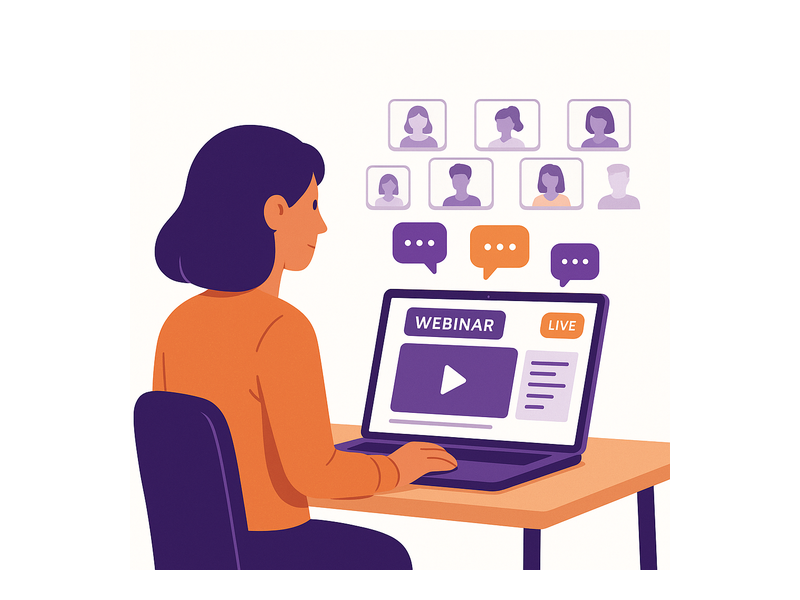
Pageinar serves a wide range of use cases — from solo entrepreneurs running weekly training sessions to enterprise marketing teams hosting large-scale product launches. The common thread is a need for a professional, interactive webinar platform that works immediately without a complex IT setup or lengthy onboarding process.
Here are some of the most common use cases that organizations run on Pageinar today:
- B2B product demos — showcase software features to qualified prospects and answer questions live via the integrated chat panel
- Corporate training — deliver onboarding sessions or compliance training to distributed teams with full attendance tracking and exportable recordings
- Virtual conferences — host multi-session events with a branded registration page for each session and leads exported to a central CRM
- Marketing webinars — build pipeline by gating access behind a lead capture form and following up immediately with exported registrant data
- Community broadcasts — engage a loyal audience with regular live sessions, using chat moderation to spark real-time discussion and keep conversations on topic
Brands like Nasdaq, Wix, HP, and Sony Music have trusted Pageinar to deliver polished, interactive broadcast experiences at scale. Their success demonstrates that an interactive webinar platform does not need to be complex to be enterprise-grade — it simply needs to be reliable, fast, and genuinely engaging for audiences of all sizes.
If you are new to running live events online, the post Unlock the Power of Seamless Webinars with Pageinar is an excellent starting point for understanding what makes Pageinar uniquely suited to modern online event hosting.
Getting Started with Your Interactive Webinar Platform Today
Getting up and running on Pageinar takes less than five minutes. First, visit Pageinar’s instant broadcast landing page platform and sign in with your Google account. Second, your main page is created automatically — ready for you to customize with your event title, cover image, avatar, and description. Third, configure your Registration Settings to start collecting leads, then switch to Broadcasting Mode when you are ready to go live. Finally, share your unique page URL with your audience and click Start Broadcast.
There is no installation, no plugin, and no waiting period. Your interactive webinar platform is live the moment you finish customizing your page. Attendees click your link, land on a beautifully branded event page, and engage with you in real time through the integrated chat — all without downloading a single file or creating an account. For more detailed setup instructions, the Pageinar Knowledge Base walks through every step with screenshots and examples.
Pageinar also scales gracefully with your needs. The Subscription Details panel lets you view your current plan, attendee limits, and remaining broadcast duration, with upgrade options available as your audience grows. Invoice history is stored and fully searchable by date and transaction ID, making it straightforward to manage billing for teams, agencies, and enterprise accounts alike.
Conclusion: The Interactive Webinar Platform Built for Results
In a world where audience attention is scarce and online events are everywhere, the quality of your interactive webinar platform is a genuine competitive advantage. Pageinar delivers everything you need — a branded landing page, a live broadcast engine, real-time group chat, lead capture forms, and exportable recordings — in a single hosted URL that requires zero setup on the attendee side and minimal configuration on yours.
Whether you are a marketer looking to fill your pipeline, a trainer delivering corporate education at scale, or a brand building community through regular live broadcasts, Pageinar’s interactive webinar platform gives you the professional tools to run polished events from day one. Start your first interactive webinar today and experience the difference a purpose-built, no-friction platform makes for your audience — and your results.