A webinar with real time chat interaction transforms a passive viewing experience into a dynamic, two-way conversation that keeps every attendee engaged from start to finish. In today’s crowded digital landscape, audiences expect to participate actively, not simply watch a slide deck scroll by. Moreover, research from authoritative sources like the Wikipedia overview of webinars consistently highlights that interactive formats generate significantly higher retention rates, stronger brand recall, and more qualified leads than one-way broadcasts. Therefore, selecting a platform that places real time chat at the center of the experience is no longer a nice-to-have. It is a competitive necessity for any business serious about online events.
Why a Webinar With Real Time Chat Interaction Outperforms Static Presentations
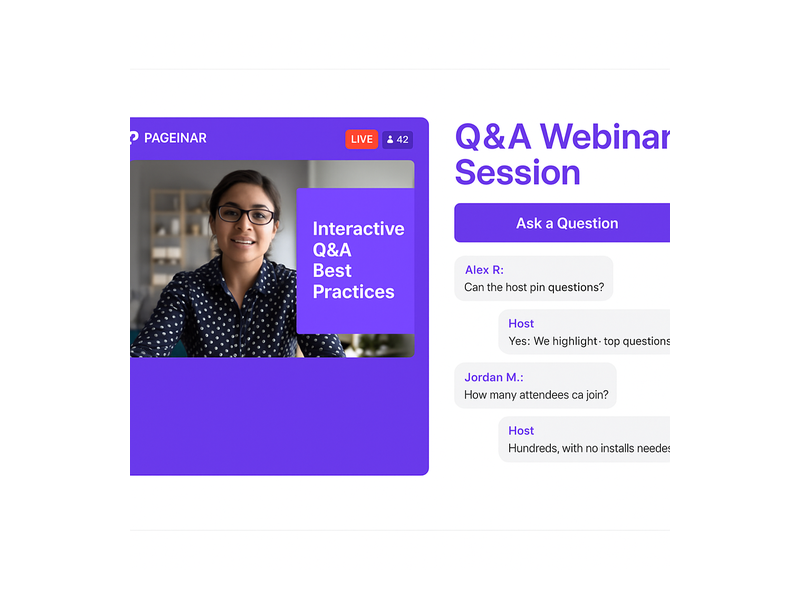
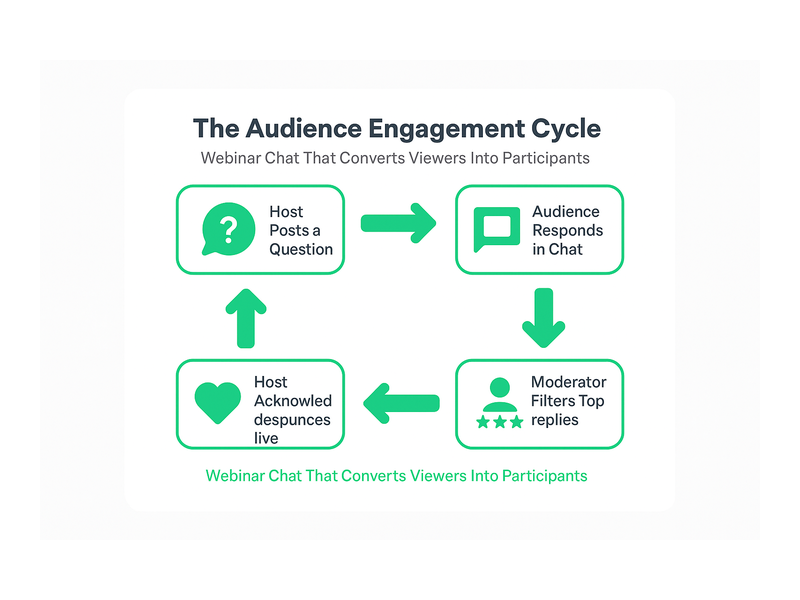
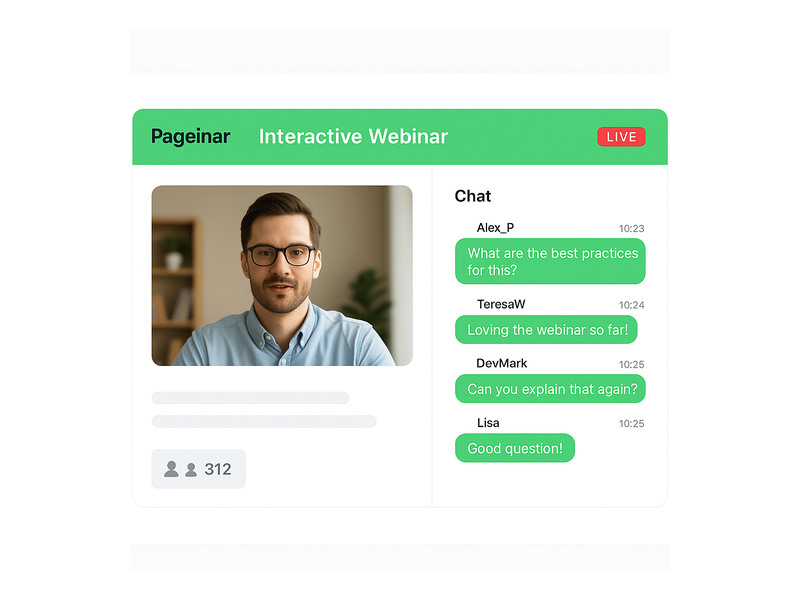
First, consider the fundamental difference between a lecture and a dialogue. A static webinar delivers information in one direction only. A webinar with real time chat interaction, however, creates a living conversation that evolves as the event unfolds. Attendees can ask questions the moment they arise, share reactions instantly, and connect with other participants who share their interests. As a result, the host gains immediate feedback and can adjust the presentation on the fly, addressing concerns before they become objections.
The Science Behind Engagement
Additionally, the psychology of participation is well understood. When people contribute to a conversation, they feel ownership over the outcome. In other words, a viewer who types a question into a chat panel is now an invested participant, not a passive consumer. Furthermore, social proof plays a powerful role. Seeing dozens of chat messages streaming in signals that this event is live, valuable, and worth paying attention to. Together, these effects dramatically reduce drop-off rates and increase the time attendees spend engaged with your broadcast.
For example, a product launch webinar that encourages attendees to type their questions about pricing, features, or availability in real time generates a richer, more authentic discussion than a pre-recorded FAQ video. Similarly, a training session that uses chat to quiz participants and gather answers in real time reinforces learning far more effectively than passive video consumption. Ideally, every webinar host should treat the chat panel as a second stage, not an afterthought.
Key Features to Look for in a Webinar With Real Time Chat Interaction Platform
Not all platforms handle real time chat equally. Therefore, when evaluating options, you should prioritize the following capabilities to ensure your webinar with real time chat interaction delivers a professional, seamless experience for both hosts and attendees. The right feature set determines whether your chat panel becomes a genuine engagement engine or a neglected sidebar that attendees ignore.
Moderation and Admin Controls
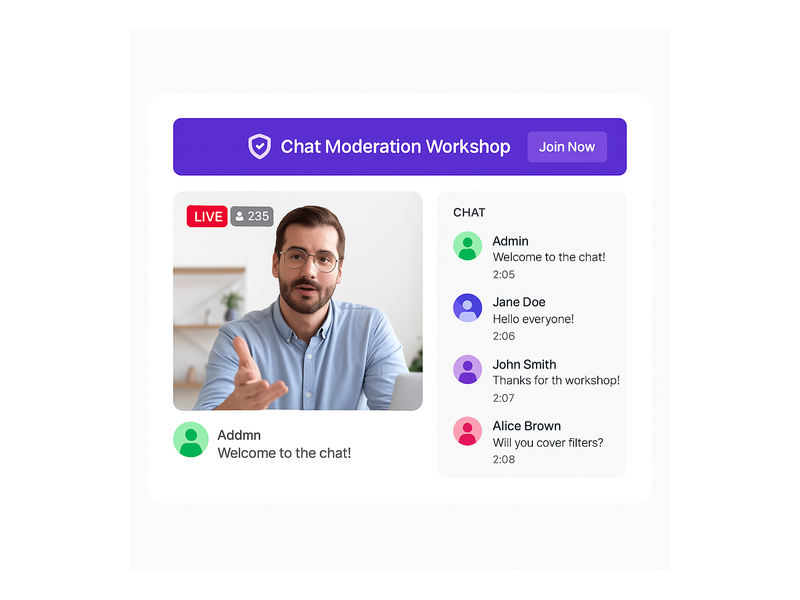
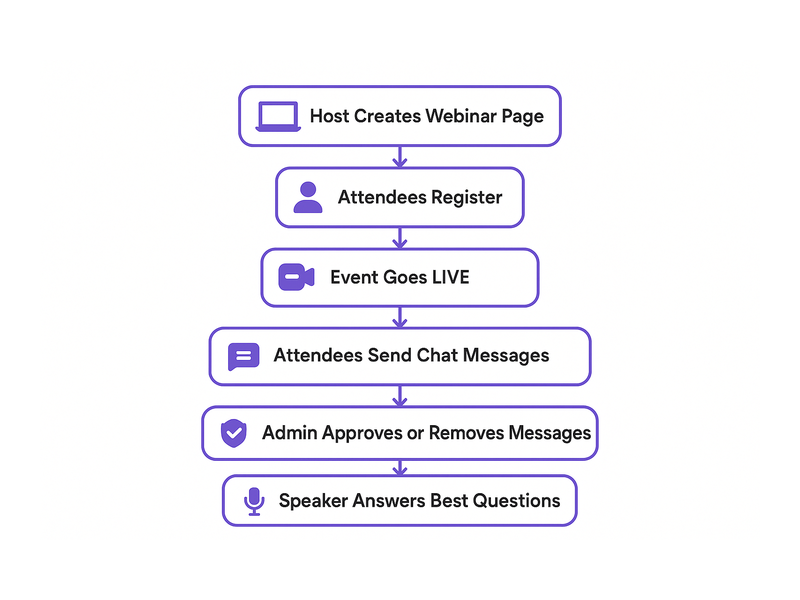
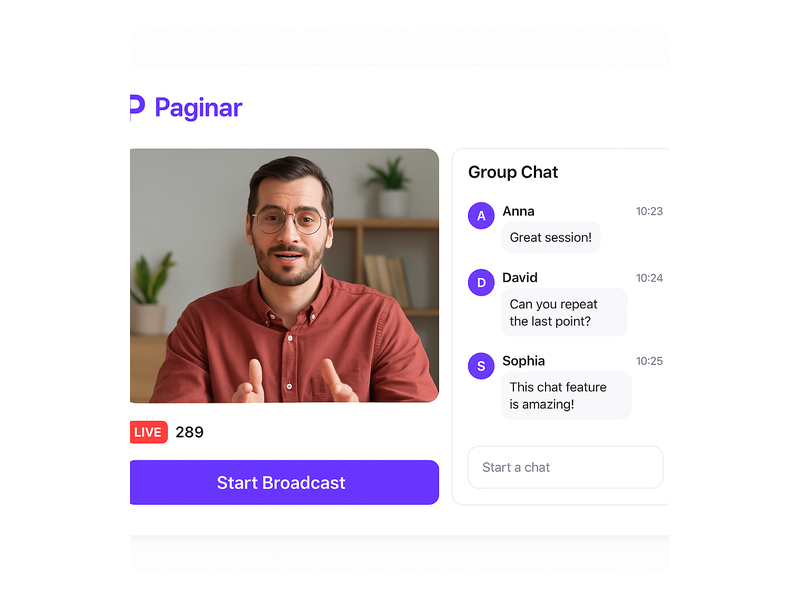
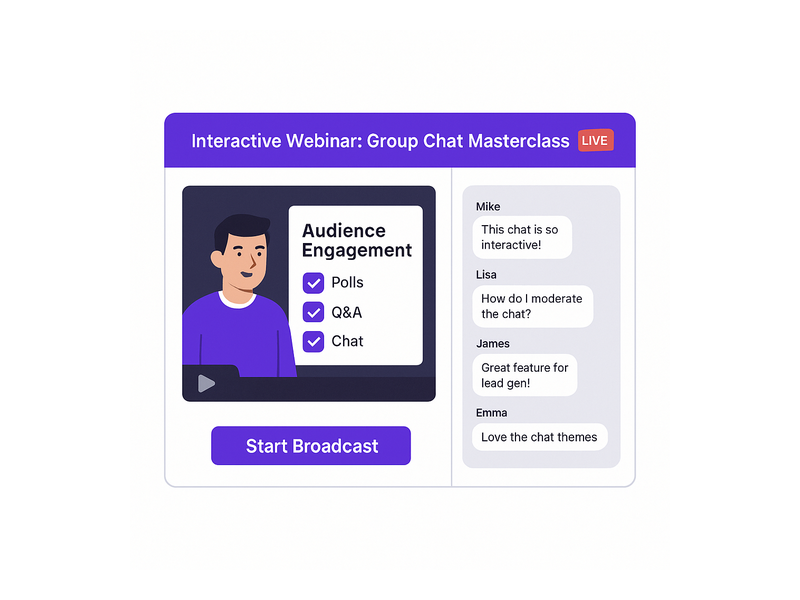
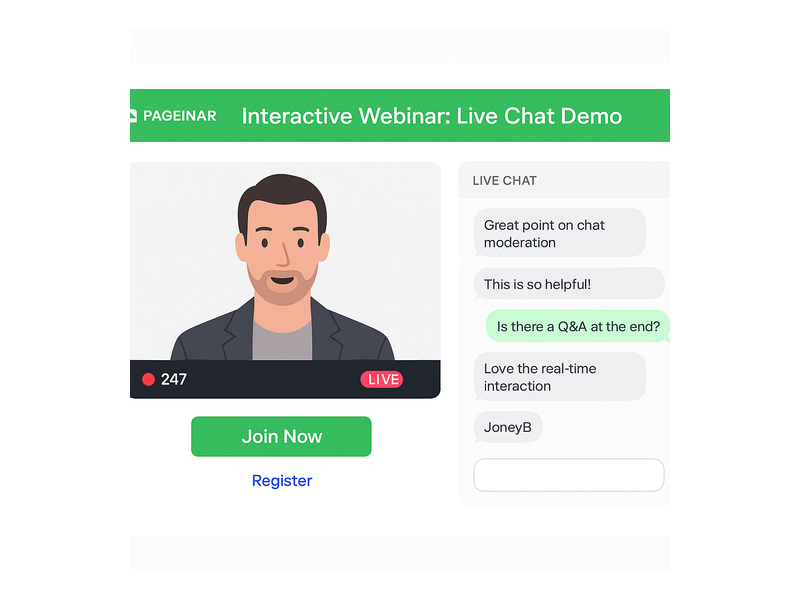
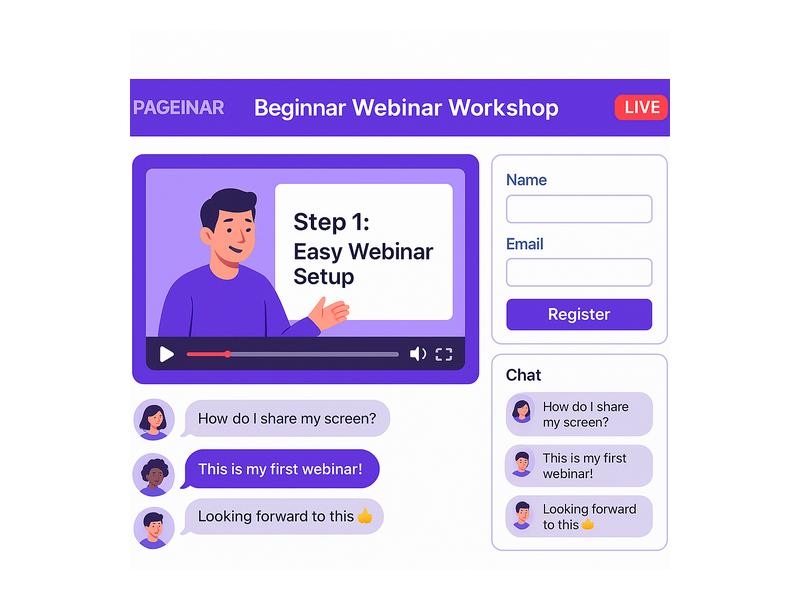
First, strong moderation tools are essential. A busy chat with hundreds of attendees can quickly become overwhelming without the ability to manage the conversation effectively. Look for platforms that offer admin controls, the ability to highlight key messages, and options to mute or remove disruptive participants. Additionally, the host or a dedicated moderator should be able to respond to individual messages, pin important announcements, and segment the audience if needed. Pageinar’s integrated webinar broadcast platform includes full group chat capabilities with robust moderation controls built directly into every broadcast page.
Chat Themes and Customization
Moreover, visual consistency matters for your brand. A chat panel that clashes with your event design undermines professionalism and trust. Therefore, choose a platform that offers multiple chat themes so you can match the look and feel of your broadcast page. Pageinar allows hosts to select from several distinct chat themes, adjust offline messages, and configure which viewer and speaker labels are displayed. Furthermore, all these settings are accessible from a single gear icon settings panel, so you spend less time configuring tools and more time hosting great events.
Viewer and Speaker Display
In addition, showing who is in the room builds a genuine sense of community. A webinar with real time chat interaction feels far more connected when attendees can see a live participant list alongside the conversation. This feature encourages networking, sparks sidebar discussions, and adds a sense of social presence that recorded content simply cannot replicate. Pageinar’s chat panel displays both viewers and speakers, reinforcing the live, communal atmosphere that makes interactive webinars so effective at driving attendee satisfaction.
How to Set Up a Webinar With Real Time Chat Interaction on Pageinar
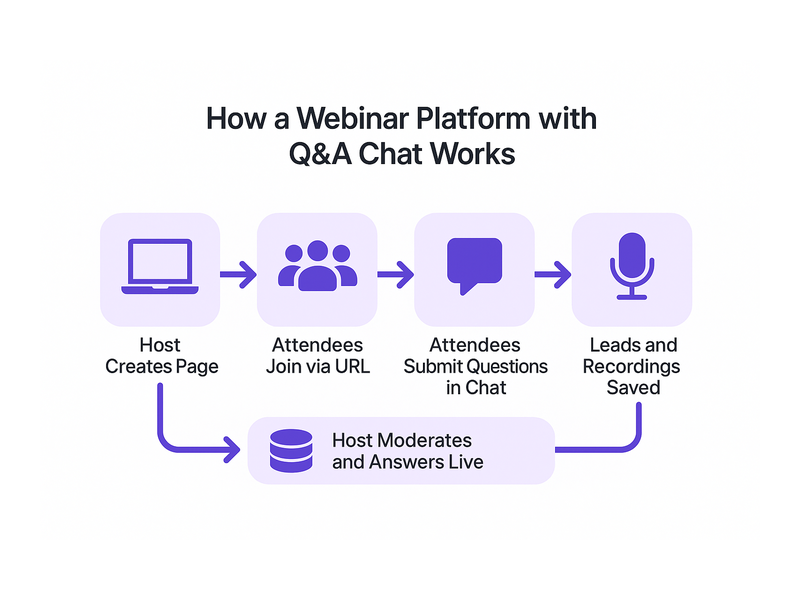
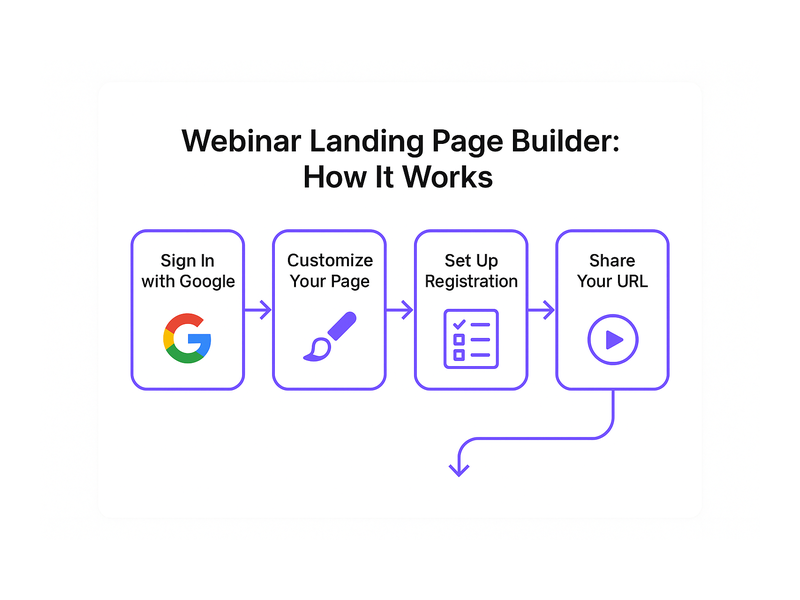
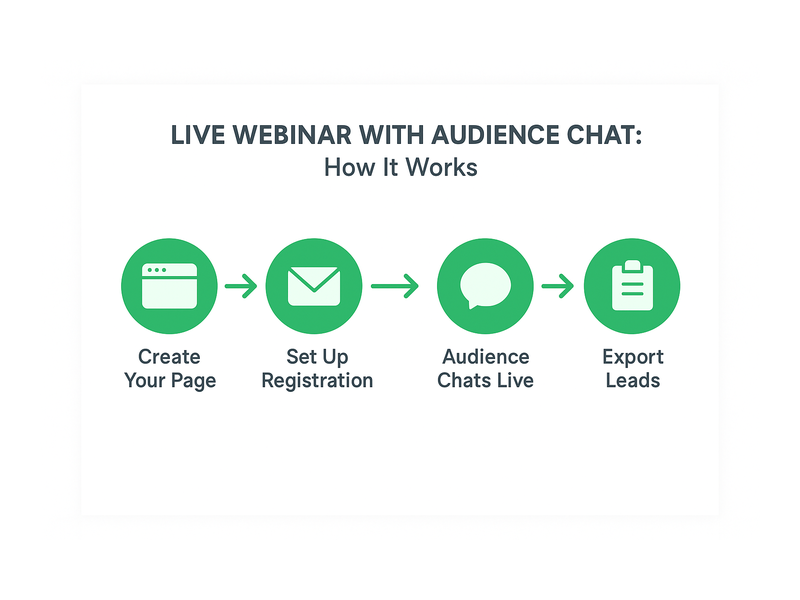
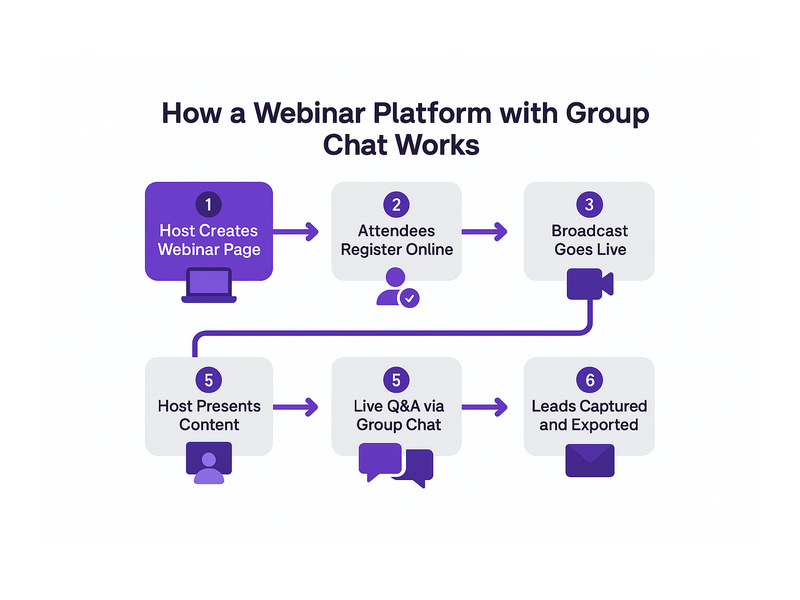
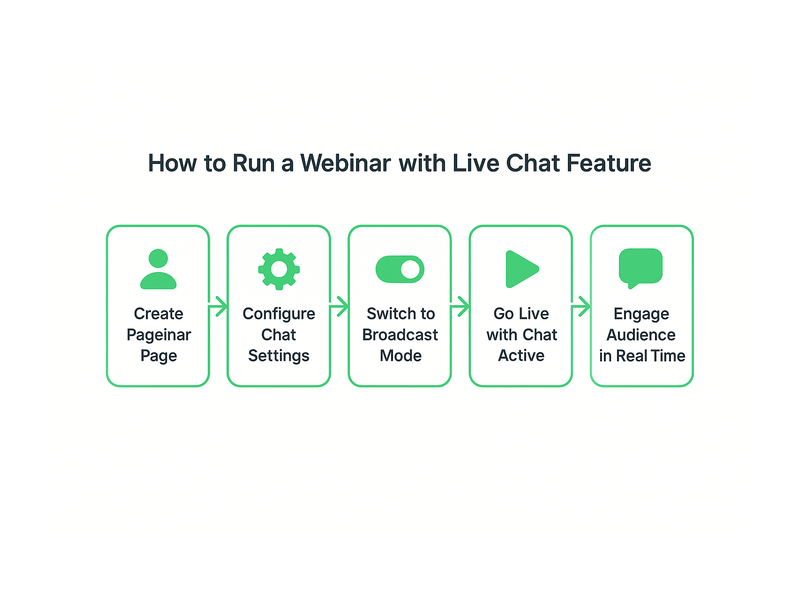
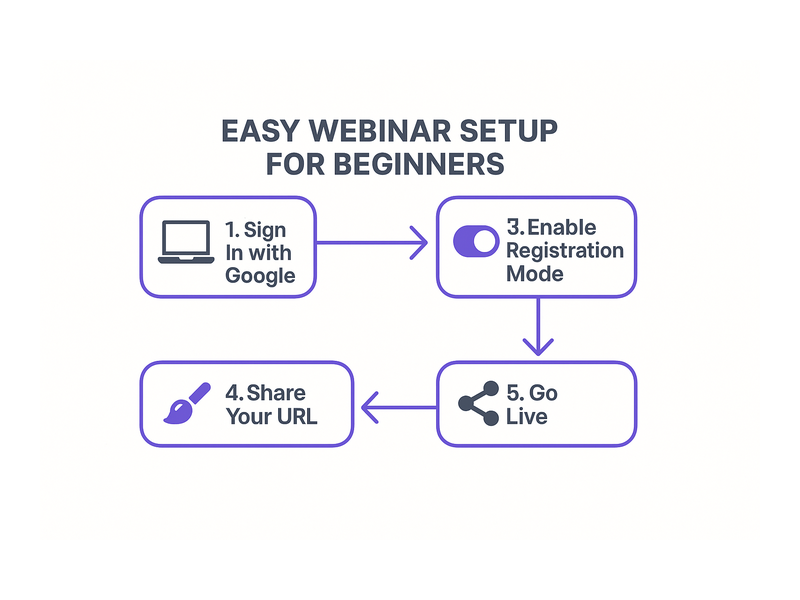
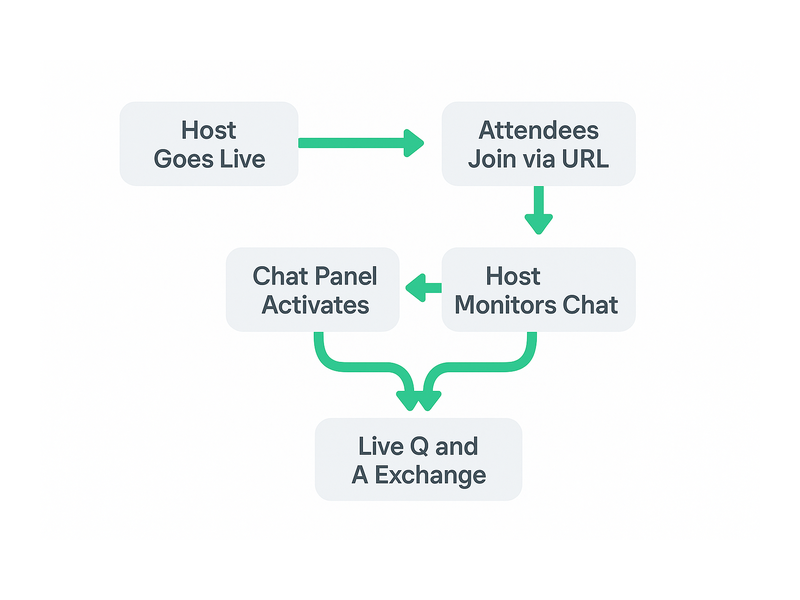
Setting up a webinar with real time chat interaction on Pageinar is straightforward and fast. However, following a structured workflow ensures you launch with confidence and deliver a polished, professional experience every time. Below is a step-by-step overview of the entire process from sign-in to going live.
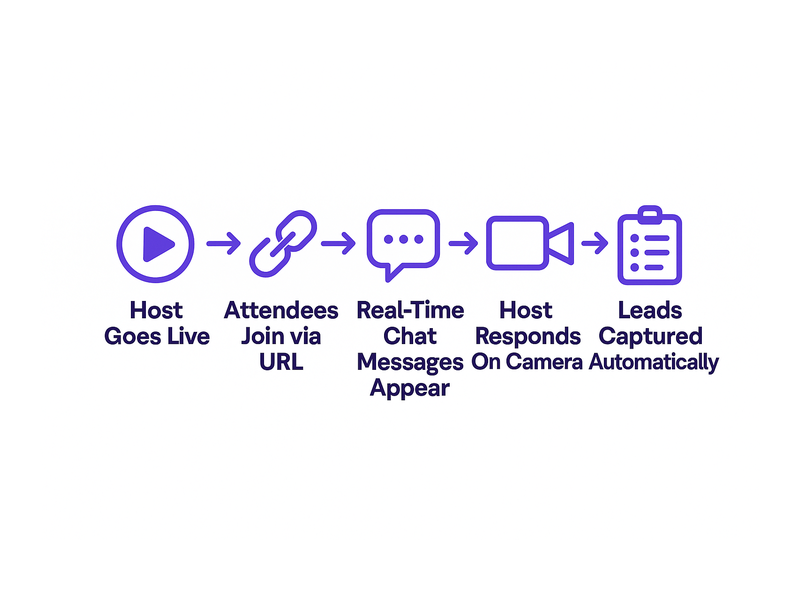
- Sign in with Google: Visit pageinar.com and log in using your Google account. No plugins or software downloads are required on any device.
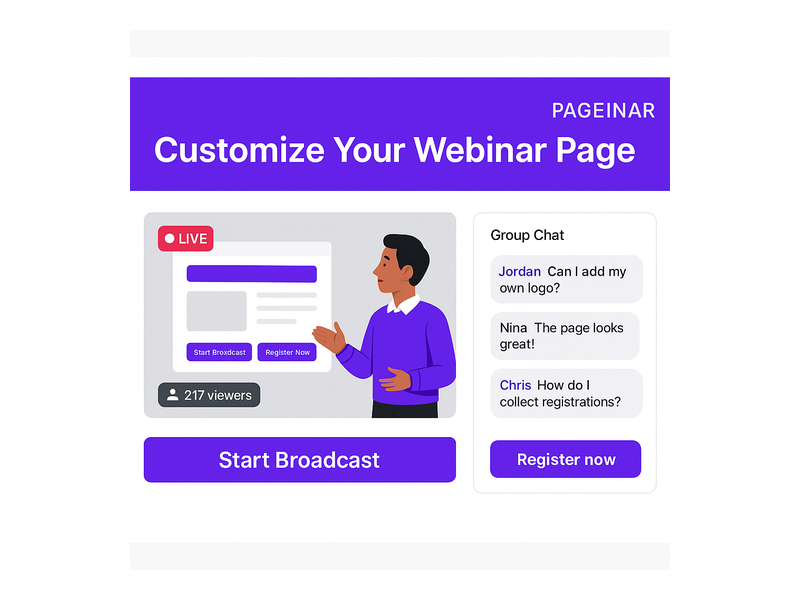
- Customize your broadcast page: After login, you land on your main page. Add a cover image, your avatar, a compelling event title, and a clear description. These elements set the tone for your webinar and build anticipation before the event starts.
- Configure chat settings: Open the settings panel and navigate to Chat Settings. Choose your preferred chat theme, set an offline message for before the event begins, and designate a chat admin if you want a dedicated moderator to manage the conversation during the broadcast.
- Switch to Broadcasting Mode: Toggle the mode selector in the top-right corner from Registration Mode to Broadcasting Mode when you are ready to go live. Your Start Broadcast button activates and your chat panel comes fully online.
- Share your page URL: Send the page URL to your attendees via email, social media, or your website. Attendees join directly in their browser with no installation required on their side.
- Engage in real time: As the broadcast begins, monitor the chat panel on the left side of your page. Respond to questions, acknowledge comments by name, and invite speakers to join the conversation at key moments.
For detailed onboarding steps, the Pageinar Knowledge Base covers everything from creating your first page to starting a live video and managing chat themes. Additionally, you can read Unlock the Power of Seamless Webinars with Pageinar: Welcome to a New Era of Online Engagement! for a broader introduction to the platform’s full capabilities and strategic benefits.
Real-World Use Cases for Webinar With Real Time Chat Interaction
In fact, the most successful webinar hosts use real time chat strategically, not merely as a feature checkbox. The following use cases illustrate how different teams and industries leverage a webinar with real time chat interaction to achieve measurable business outcomes across a wide range of event formats.
Product Launches and Feature Demos
For example, SaaS companies routinely use a webinar with real time chat interaction to introduce new features to existing customers and prospects simultaneously. Attendees type their questions about pricing, integrations, and product roadmap priorities directly into the chat, and the presenter addresses them live. As a result, the launch event doubles as a live Q&A session, a sales conversation, and a community-building exercise all at once. Additionally, the host can export the chat transcript after the event to identify the most common objections and use that data to sharpen the sales process going forward.
Corporate Training and Onboarding
Furthermore, HR and learning and development teams increasingly rely on webinar with real time chat interaction formats to onboard new employees at scale. A live broadcast with an active chat panel allows trainers to quiz participants, gather responses, and identify knowledge gaps instantly. In other words, the chat transforms a one-to-many broadcast into a genuinely collaborative group learning session. Moreover, Pageinar’s viewer and speaker display feature helps trainers see exactly who is in the room, ensuring accountability and encouraging broader participation from quieter team members.
Lead Generation Events
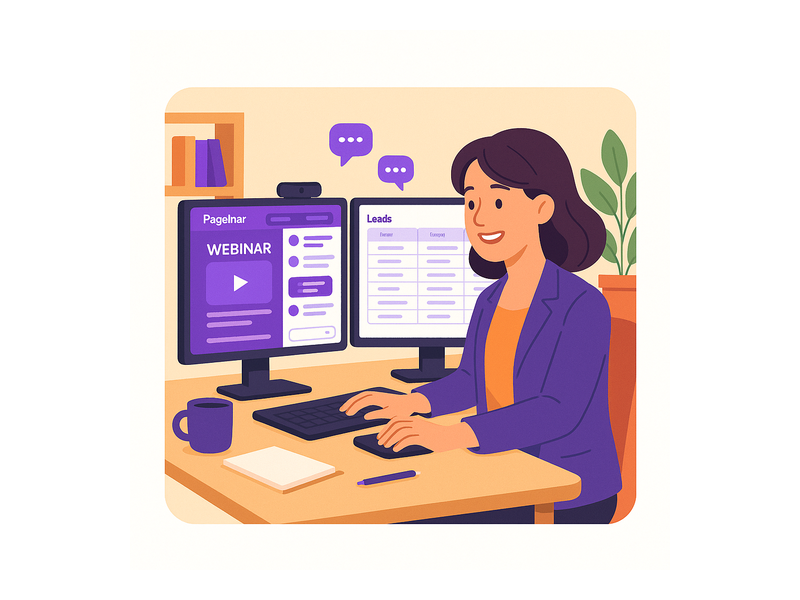
Additionally, marketers use interactive webinars as powerful lead generation engines. Before the event, Pageinar’s Registration Mode collects First Name, Last Name, Company, and custom fields from every registrant, building a qualified lead list automatically. During the broadcast, the real time chat continues the conversation, allowing potential customers to ask product-specific questions and receive immediate, personalized answers. Therefore, by the time the webinar ends, the sales team has a list of warm, qualified leads who have already demonstrated clear intent through active chat participation.
Community Events and Town Halls
In short, any event that benefits from two-way communication is a strong candidate for a webinar with real time chat interaction format. Town halls, investor updates, nonprofit fundraisers, and fan meetups all benefit from the social energy that a live chat panel creates. Together, the broadcast video and the chat sidebar create an experience that feels genuinely communal and spontaneous, rather than corporate and scripted.
Best Practices for Running a Webinar With Real Time Chat Interaction
However, simply enabling chat is not enough to guarantee a great attendee experience. To maximize the full value of a webinar with real time chat interaction, hosts should follow a set of proven best practices that keep the conversation productive, on-brand, and engaging from the opening slide to the final call to action.
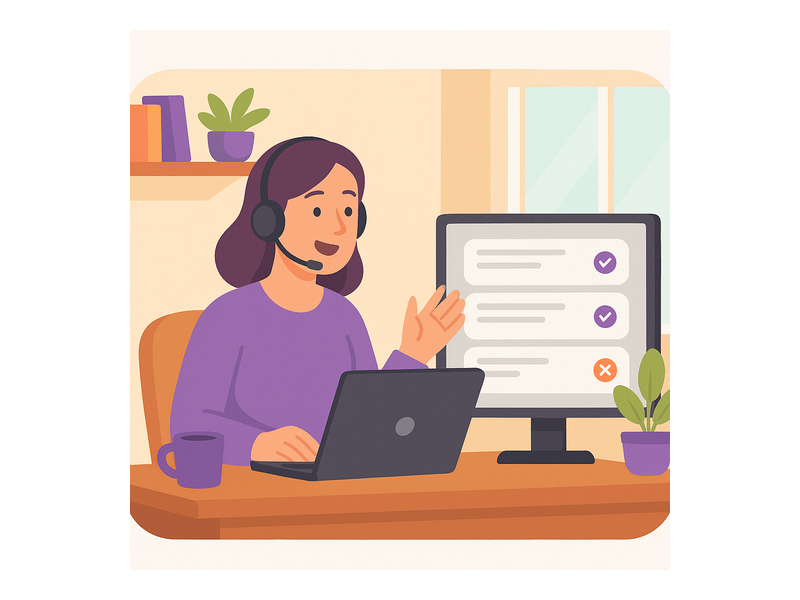
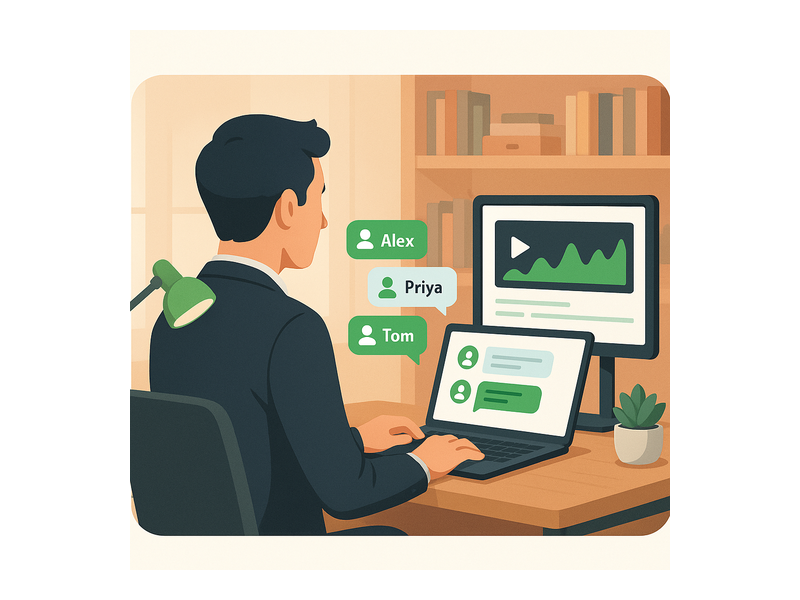
- Assign a dedicated chat moderator: The presenter cannot both deliver content and monitor every incoming message at the same time. Therefore, designate a team member to watch the chat, surface the best questions, and filter out off-topic or disruptive comments before they derail the conversation.
- Seed the conversation early: First, post a welcome message in the chat before the broadcast officially starts. Invite attendees to introduce themselves, share where they are joining from, or answer a simple warm-up question. This sets the expectation of active participation before a single slide appears.
- Acknowledge contributors by name: Moreover, when you answer a question from the chat, mention the attendee’s username aloud. This small gesture makes the contributor feel seen and heard, and it encourages others to participate knowing their input will be acknowledged publicly.
- Use chat as a live feedback loop: Additionally, ask the audience to type a number from one to five to rate their understanding of a concept, or to type a keyword to signal agreement. This generates instant, quantifiable feedback without interrupting the natural flow of the presentation.
- Set clear community guidelines: In other words, establish standards for respectful behavior at the start of every event. Let attendees know the chat is actively moderated, that questions will be answered during designated Q&A breaks, and that off-topic messages may be removed.
- Review the chat transcript afterward: Finally, export the chat log and analyze it for recurring questions, product feedback, and audience sentiment. This data is invaluable for improving future events and informing your broader content and product strategy.
Measuring the Impact of Real Time Chat on Webinar Performance
In addition to qualitative benefits, a webinar with real time chat interaction produces clear, measurable performance data that you can track and optimize over time. For example, you can measure the number of chat messages per attendee as a direct proxy for engagement depth across different event formats. Furthermore, comparing average attendance duration between interactive and non-interactive sessions typically reveals that chat-enabled webinars retain viewers significantly longer. As a result, marketers can attribute higher funnel conversion rates directly to the interactive format and build a strong business case for investing in live event technology.
Therefore, if your current webinar strategy still relies on one-way broadcasts, the data strongly supports transitioning to a platform that integrates live chat natively into every event. Pageinar builds this capability directly into every broadcast page, so you gain full chat functionality without managing separate tools, third-party integrations, or complex technical setups. In fact, the entire workflow, from customizing your page to going live with an active, moderated chat panel, takes minutes rather than hours.
Why Pageinar Is Built for Webinar With Real Time Chat Interaction
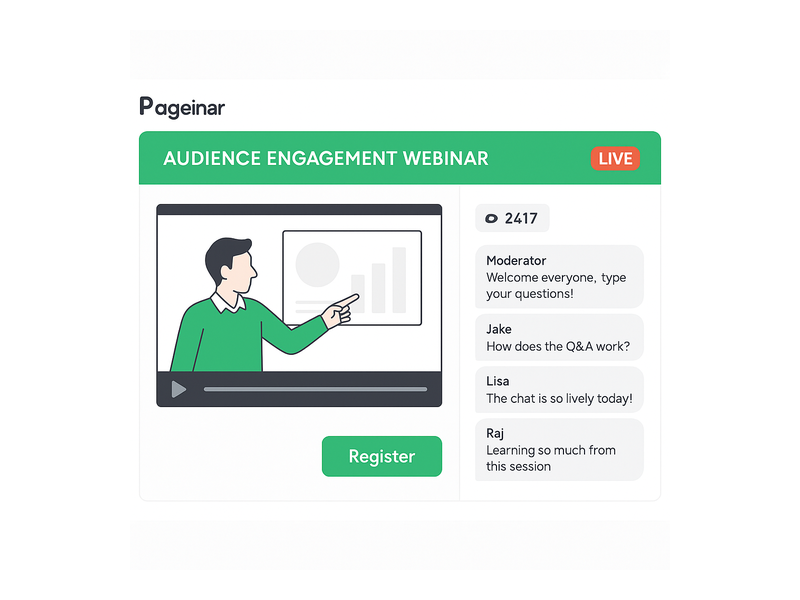
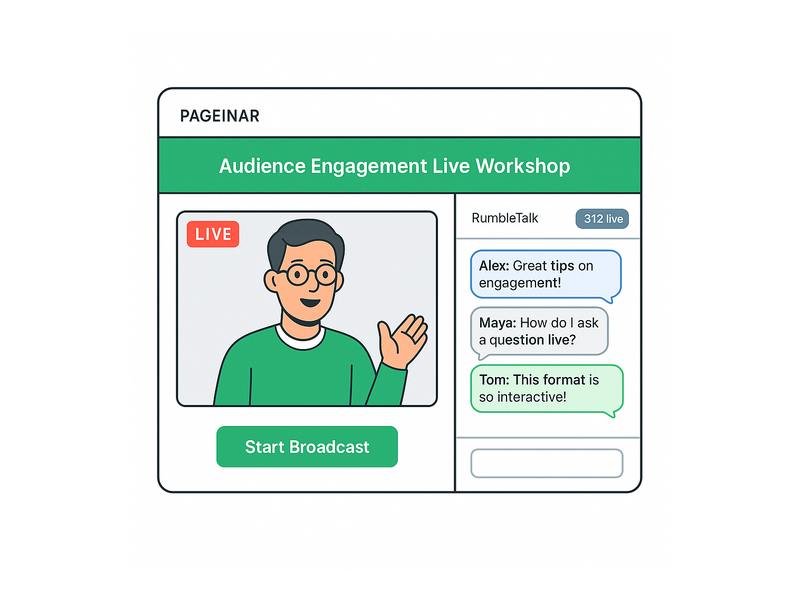
Pageinar was designed from the ground up to make webinar with real time chat interaction as frictionless as possible for both hosts and attendees. First, there is no software to install on the attendee side. Everything runs in the browser via a shared page URL, so anyone can join from any device in seconds. Additionally, the broadcast page integrates a full-featured group chat panel alongside the live video area, so hosts manage the entire event from a single, unified interface without switching between tools.
Furthermore, Pageinar supports multiple chat themes, offline message configuration, and admin-level moderation controls, giving hosts everything they need to run professional, polished events at any audience size. Moreover, Pageinar’s Registration Mode allows hosts to capture leads before the event starts, while Broadcasting Mode delivers the live experience with integrated chat. Together, these two modes create a complete event marketing funnel on a single hosted page, eliminating the need for multiple platforms, subscriptions, or technical configurations.
Start Your First Webinar With Real Time Chat Interaction Today
A webinar with real time chat interaction is one of the highest-leverage tools available to marketers, educators, and community builders right now. Therefore, if you have not yet integrated live chat into your webinar strategy, today is the ideal time to start. Pageinar makes the entire process simple, fast, and completely code-free. Sign in with your Google account, customize your broadcast page, configure your chat settings, and go live in minutes. Your audience is ready to engage. Give them a stage to do it, and watch your event results transform.