

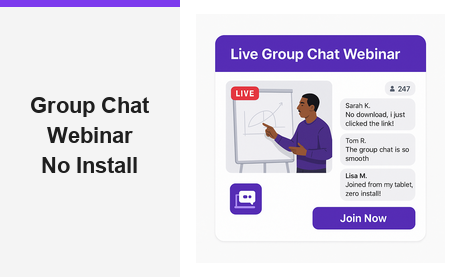
A group chat webinar on a no-install webinar platform is the fastest path to live audience engagement without technical barriers. Traditional platforms force attendees to download desktop clients or install browser extensions before they can participate. Pageinar eliminates that friction entirely by hosting everything on a permanent browser-based landing page. Share one URL, and viewers join your group chat webinar from any device instantly, with no software installation required on the attendee side. Trusted by organizations including Nasdaq, Wix, HP, and Sony Music, Pageinar proves that powerful live broadcasting and interactive group chat can coexist without complexity.
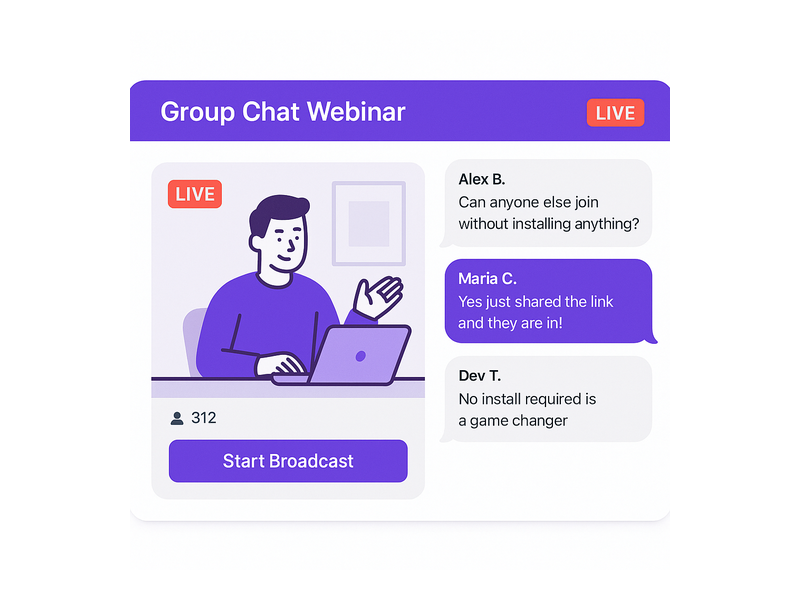
Why a No-Install Webinar Platform Transforms Group Chat Engagement
Most hosts underestimate how much a single download prompt costs in audience drop-off. Moreover, corporate attendees often cannot install software due to IT restrictions on company devices. Therefore, a no-install webinar platform directly improves attendance and participation rates before the event even begins. In fact, when viewers can join a group chat webinar by simply clicking a link, engagement metrics improve across the board. Additionally, mobile attendees on tablets or smartphones join just as easily as desktop users, expanding your potential reach with no extra configuration.
The Friction of Traditional Webinar Tools
Traditional webinar platforms depend on desktop applications that require administrator permissions to install. Additionally, attendees regularly encounter version conflicts, firewall blocks, or unsupported browser plugin errors. As a result, hosts spend the opening minutes of every session on technical troubleshooting instead of delivering value. For example, a single failed plugin installation can cause an attendee to abandon the session entirely. However, a browser-based approach removes every one of those failure points. According to Wikipedia on web conferencing, browser-based access is increasingly the standard for modern online broadcast tools.
How Pageinar Removes These Barriers
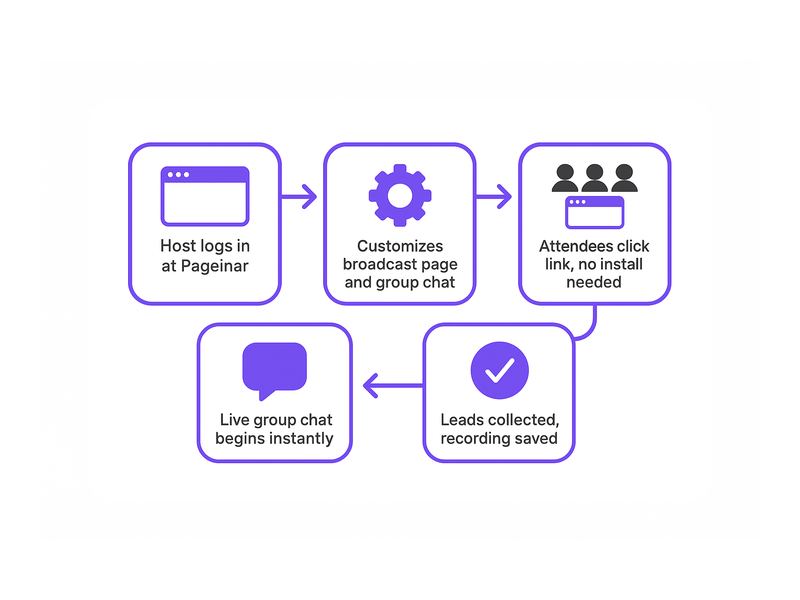
Pageinar hosts the entire broadcast experience on a permanent landing page at a URL you own. First, the host customizes the page at Pageinar by logging in with Google. Second, the host shares the URL via email, social media, or a calendar invite. Third, attendees click the link and land directly on the broadcast page with the group chat already loaded in their browser. No download prompt interrupts the process. Furthermore, the same URL works for both Registration Mode before the event and Broadcasting Mode during the live group chat webinar session.
Core Group Chat Webinar Features That Drive Interaction
Pageinar builds its group chat webinar experience around RumbleTalk, a professional chat engine with enterprise-grade moderation and customization features. Consequently, hosts get capabilities that far exceed a basic comment box or a simple emoji reaction bar. For example, chat admins can silence participants, remove inappropriate messages, promote speakers, and highlight key questions from the audience during a live session. Moreover, multiple visual themes let you match the chat panel to your brand identity and event style. In short, every group chat webinar on Pageinar feels polished, intentional, and fully under the host’s control from start to finish.
Chat Themes, Moderation, and Offline Messaging
Pageinar offers several distinct chat themes that hosts can switch inside the Chat Settings panel at any time. Additionally, the offline message feature keeps the chat panel warm and welcoming before the live broadcast begins. Therefore, early arrivals see a helpful message rather than a blank or inactive screen. Ideally, the offline message sets expectations for the upcoming group chat webinar: what topic will be covered, when the broadcast starts, and how attendees can interact. Together, these small but significant details improve the pre-event experience and reduce viewer anxiety before the session begins.
Registration Mode and Lead Collection
Before the broadcast, the host can flip the page to Registration Mode so visitors see a branded sign-up form instead of the broadcast area. Attendees enter their name, company, email, phone number, and any custom fields the host has enabled. Furthermore, a countdown timer displays the time remaining until the group chat webinar begins, building anticipation. After the session, the host exports the full lead list from the Registered List view with a single click. You can learn the full process step by step in the Pageinar Knowledge Base: How to Collect Leads Before the Broadcasting Event.
Setting Up a Group Chat Webinar on a No-Install Webinar Platform
Setting up a group chat webinar on Pageinar takes under five minutes from first login to a live-ready page. First, log in with your Google account at pageinar.com. After logging in, your broadcast page is immediately live and ready to edit. In addition, all settings are accessible from a single gear icon, so you never need to navigate between multiple dashboards or configure separate integrations.
- Customize the header: Upload a cover image or choose a background color. Add your avatar, event title, and a short description that tells viewers exactly what to expect.
- Configure the group chat: Open Settings and select Chat Settings. Pick a chat theme, set an offline welcome message, and assign a chat admin if needed.
- Enable Registration Mode: Toggle to Registration Mode in the top-right corner. Set the event date and time, configure lead collection fields, and upload a header image or short video clip.
- Share the URL: Copy your page URL and distribute it via email, social media, or a calendar invite. Attendees open the link and join with no installation required on any device.
- Go live: Switch to Broadcasting Mode and click Start Broadcast. The live video and group chat appear side by side for all viewers simultaneously and instantly.
Customizing the Page for Maximum Impact
Visual design creates a strong first impression the moment attendees land on your no-install webinar platform page. Ideally, the cover image reflects your event theme and includes the webinar title in bold, readable text. Moreover, selecting the right chat theme ensures the group chat panel feels integrated with the rest of your page rather than a generic bolt-on. Together, these visual choices communicate professionalism before the broadcast even begins. For example, a product launch page with a bold hero image and a sleek dark chat theme instantly signals quality and credibility to every viewer who opens the URL.
Broadcasting Mode and the Live Session Experience
When the host switches to Broadcasting Mode, the page layout shifts to display the live video area and the group chat panel side by side in a clean split view. In fact, a real-time viewer count badge and a LIVE status indicator appear automatically so both host and attendees always know the current broadcast state. Additionally, every session is recorded automatically and stored in the Broadcast Recordings section of Settings. Therefore, hosts can share a replay link with registrants who missed the live group chat webinar, extending the value of every session well beyond the original broadcast window.
Use Cases for a Group Chat Webinar on a No-Install Webinar Platform
The no-install model makes a group chat webinar accessible to audiences that download-dependent platforms simply cannot reach. Moreover, because attendees only need a browser link, the barrier to attendance is effectively zero for anyone with a modern smartphone, tablet, or laptop. In short, any event that benefits from live video combined with real-time interactive discussion is a strong fit for a no-install webinar platform like Pageinar.
Corporate Training and Internal Communications
HR and learning-and-development teams use group chat webinars to train distributed workforces without requiring IT approval for new software on company devices. For example, a company with employees across ten countries can host a compliance training session on Pageinar and every employee joins via browser with zero setup. Additionally, the Registered List feature logs attendance automatically, giving managers a complete record without manual tracking. As a result, the administrative overhead of running live internal training sessions drops significantly, and more employees actually show up because joining is frictionless.
Product Launches and Live Customer Demos
Product and marketing teams use a no-install webinar platform to introduce new features to customers without any download friction slowing momentum. Alternatively, sales teams leverage the group chat to field real-time questions from prospects during a live demo session. As a result, the chat transforms into a dynamic live Q&A that accelerates purchasing decisions far more effectively than a static recording. For instance, a SaaS company can share the Pageinar URL in a newsletter and expect hundreds of qualified attendees to join within seconds of clicking the link, with no drop-off from installation barriers.
Community Events and Public Broadcasts
Non-profits, independent creators, and community organizers rely on no-install platforms because their audiences vary widely in technical ability and device type. Therefore, a group chat webinar on Pageinar is ideal for public fundraisers, open community Q&A sessions, and live panel discussions. Moreover, the password protection feature in Broadcast Settings allows organizers to restrict access to invited or ticketed audiences when needed. You can explore how Pageinar supports hosts of all backgrounds in Unlock the Power of Seamless Webinars with Pageinar: Welcome to a New Era of Online Engagement!.
Why Pageinar Is the Leading No-Install Webinar Platform for Group Chat
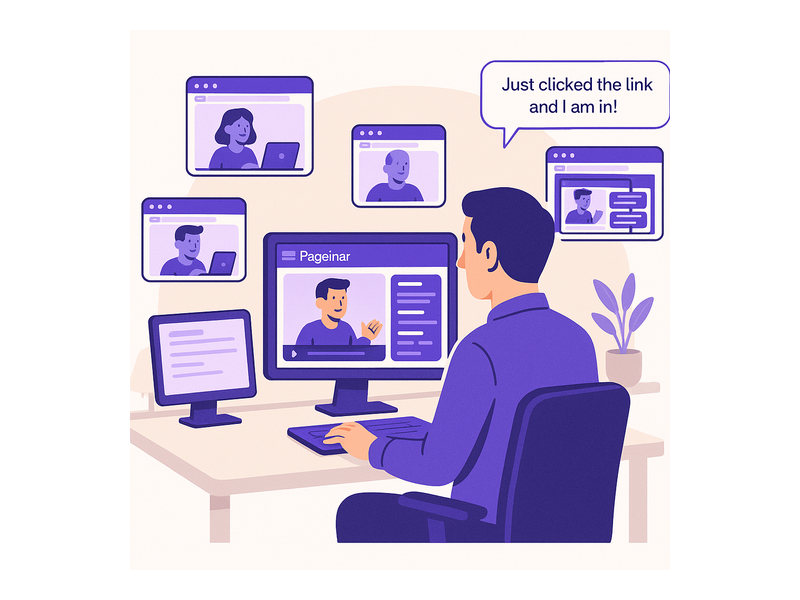
Pageinar is purpose-built as a no-install webinar platform that treats the integrated group chat as a first-class feature rather than an optional add-on. Furthermore, the platform is trusted by organizations including Nasdaq, Wix, HP, and Sony Music, demonstrating its reliability under real-world event loads. In fact, the entire setup lives on a single hosted landing page that requires no technical maintenance after initial configuration. Additionally, Pageinar consolidates lead collection, chat moderation, recording storage, and subscription management into one unified Settings panel, keeping operations simple for hosts of any technical level.
Security, Access Control, and Post-Event Recordings
Hosting a group chat webinar for a paid or private audience requires solid access controls from the moment the page goes live. Consequently, Pageinar includes page password protection in Broadcast Settings to gate entry to the broadcast page before anyone can watch or chat. Additionally, chat moderation tools let admins remove messages or block disruptive participants in real time without interrupting the broadcast. Together, these features ensure every no-install webinar platform session stays professional and on brand throughout its entire duration.
Subscription Plans That Scale With Your Audience
Pageinar offers both free and paid subscription plans to suit different event scales and budgets. For example, a small team running an internal group chat webinar can start on the free plan with no upfront investment and no credit card required. Moreover, growing organizations can upgrade to a paid plan to increase the attendee limit and total broadcast duration available per month. In short, the no-install webinar platform scales naturally alongside your event program as your audience and ambitions expand. Subscription details, attendee limits, and full billing history are always visible inside the Subscription Details and Invoice panels in Settings.
Get Started With a Group Chat Webinar Today
Running a group chat webinar on a no-install webinar platform has never been more straightforward or more accessible to hosts at every skill level. First, visit Pageinar and sign in with your Google account to access your broadcast page in under a minute. Second, customize the page header, configure your group chat settings, and enable Registration Mode to collect leads before your event begins. Third, share the URL with your audience and watch attendees join your live group chat webinar in seconds with zero installation friction on their end. Whether you are launching a product, training a global team, or hosting a live community event, Pageinar delivers the reliable, interactive no-install webinar platform experience your audience deserves from the very first click.