

How to Log Out of Pageinar
Logging out of Pageinar takes just one step — since Pageinar uses Google sign-in, logging out ends your current session and you will need to sign in with Google again to access your broadcast page.
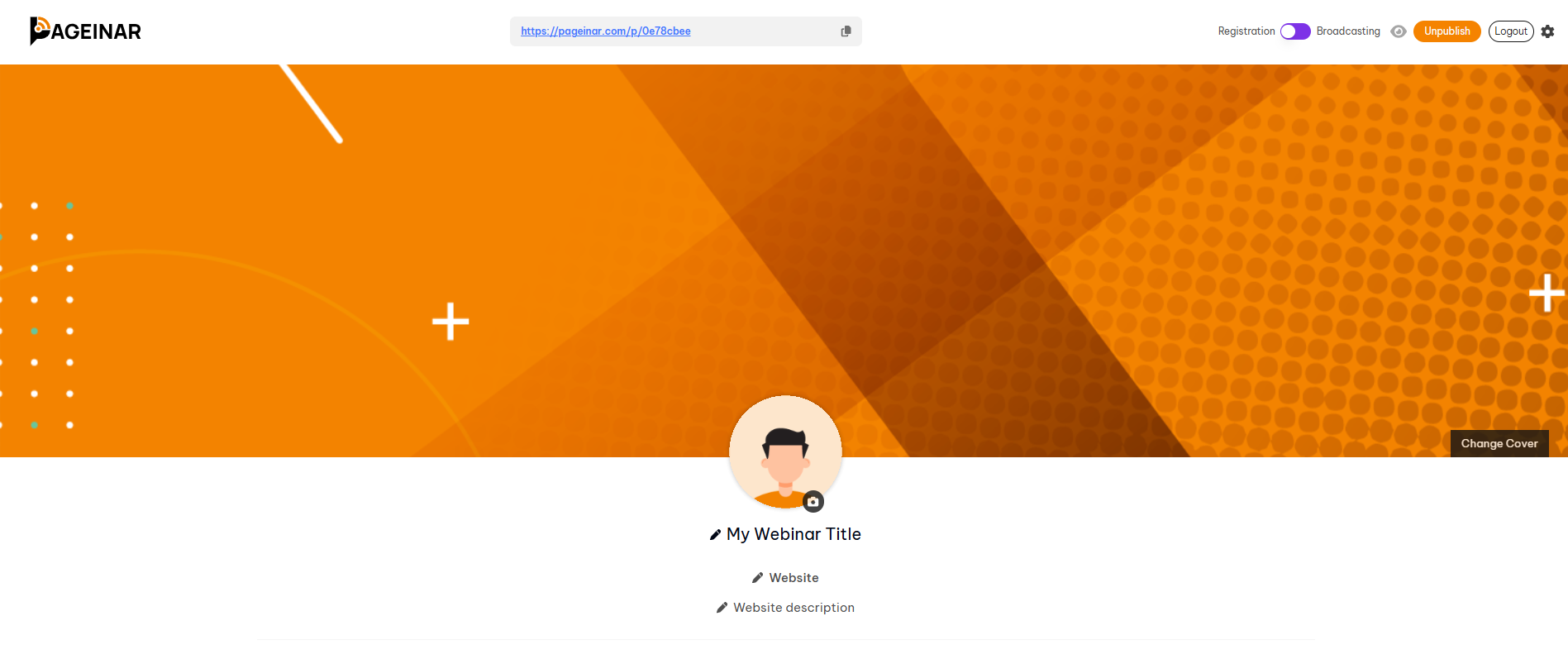
How to Log Out of Pageinar: Step-by-Step
- Open your Pageinar broadcast page at pageinar.com.
- Click the gear icon in the top-right corner to open Settings.
- Scroll to Account in the left menu.
- Click Log out to end your session.
After Logging Out
Once logged out, you are returned to the Pageinar homepage. Your broadcast page, settings, and data remain intact — logging out only ends your browser session. To return, click Login with Google and select your account.
Tip: If you are using a shared or public computer, always log out after your session to keep your account secure.
Click the gear icon on your broadcast page, go to Account, and click Log out to end your session.
No. Logging out only ends your browser session. All your settings, recordings, and registration data are preserved.
Go to pageinar.com and click Login with Google. Select your Google account to return to your broadcast page.
Pageinar keeps you logged in through your browser session. You are logged out if you clear cookies or explicitly log out from Account settings.
Yes. You can log in to Pageinar from any device using the same Google account.