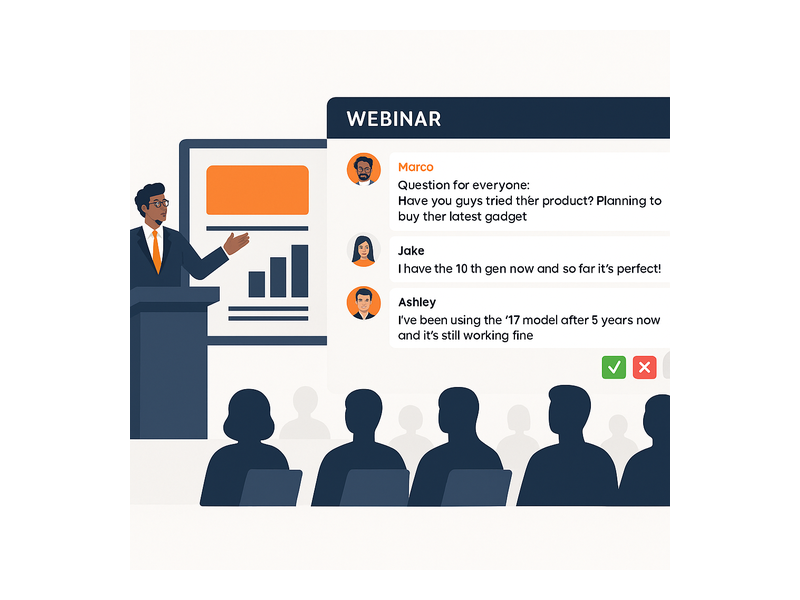
A webinar signup page with live stream is the single most powerful tool you have for converting online interest into live event attendance. However, most event hosts still rely on disconnected tools: one platform for registration, another for the live broadcast, and a third for chat. In fact, this fragmentation causes drop-off at every handoff point. Additionally, attendees who struggle to find the right link on event day simply do not show up. Pageinar solves this by giving you a complete webinar platform where your registration form and live broadcast share one permanent, shareable URL.
Why a Webinar Signup Page with Live Stream Changes Everything
Traditional webinar tools force attendees through multiple steps. First, they fill out a registration form on one site. Then, they receive a calendar invite linking to a different platform. Finally, they are asked to download an app or install a browser extension just to participate. Moreover, each extra step introduces a reason to drop off before the event even starts. Therefore, consolidating your webinar signup page with live stream onto a single hosted URL removes friction at every stage of the attendee journey.
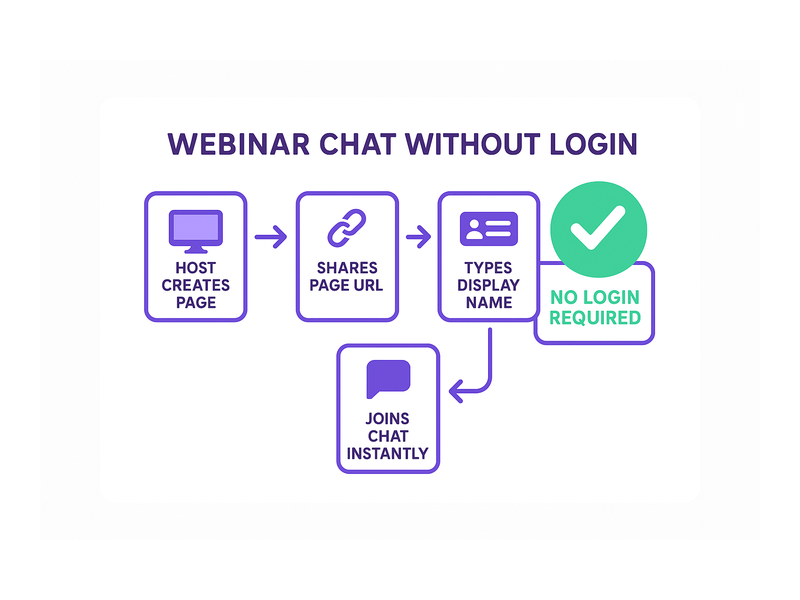
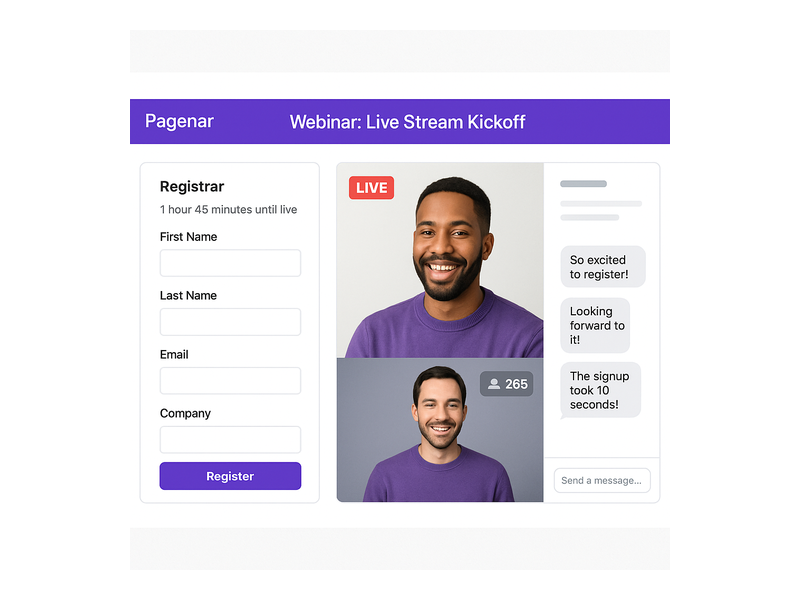
For example, Pageinar operates entirely on one URL per account. Attendees visit the page before the event and register directly. Then, on event day, they return to the exact same URL and the page has switched to Broadcasting Mode. Furthermore, no download or plugin is required on the viewer side. As a result, your show-up rate improves because attendees are never confused about where to go on event day.
According to Wikipedia’s overview of webinars, growing adoption of online events is closely tied to reductions in technical barriers for viewers. However, setup complexity on the host side remains a challenge for many organizers. Therefore, a no-code, no-plugin webinar signup page with live stream like Pageinar directly addresses that challenge for hosts of all experience levels.
What Makes a High-Converting Webinar Signup Page with Live Stream
Not all registration pages convert equally. Therefore, understanding the key components of a strong webinar signup page with live stream helps you build one that drives real results and maximizes your audience size.
A Clear, Benefit-Driven Event Title
First, your event title must immediately communicate what attendees will gain. For example, instead of a vague name like ‘Monthly Update,’ use a title such as ‘Three Strategies to Double Your Lead Volume This Quarter.’ In other words, the title should sell the outcome, not just describe the session topic.
A Minimal Registration Form
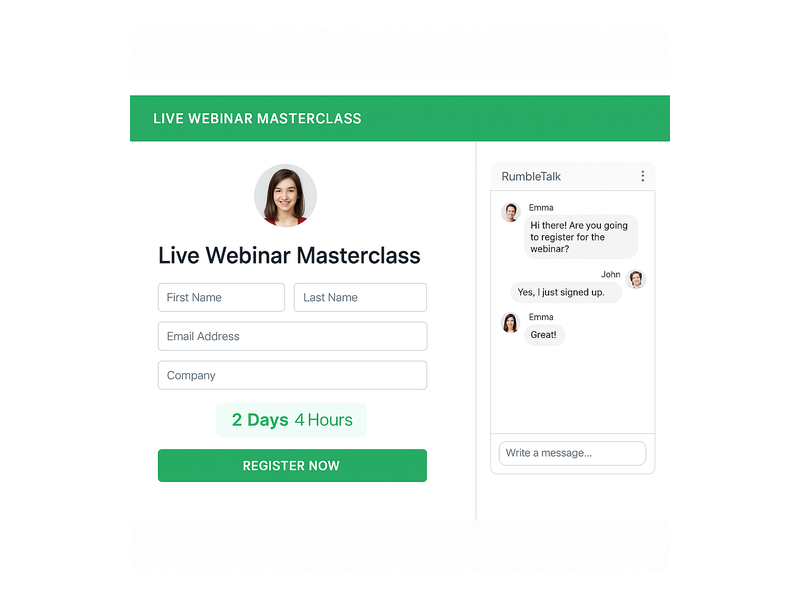
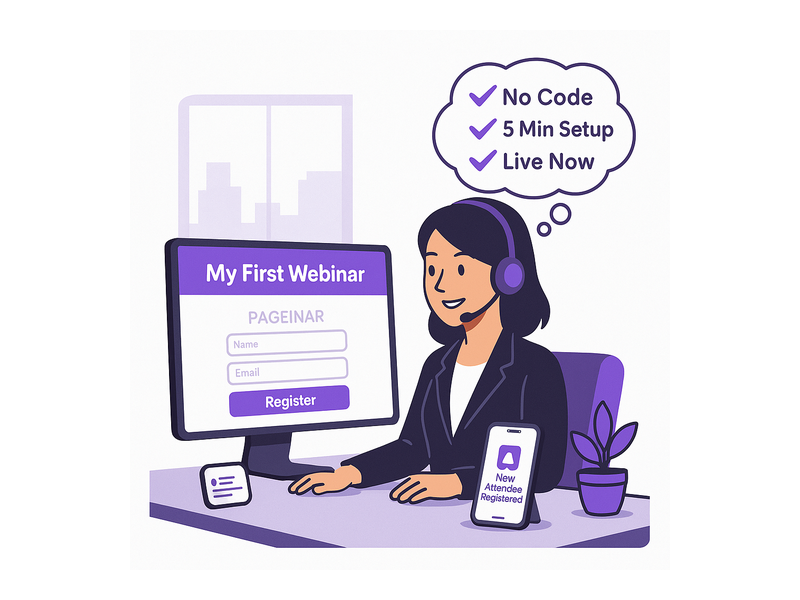
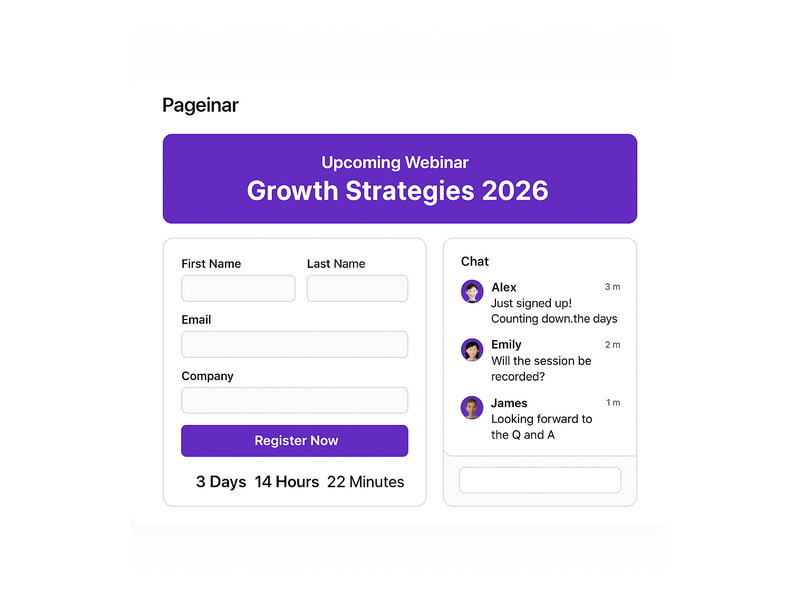
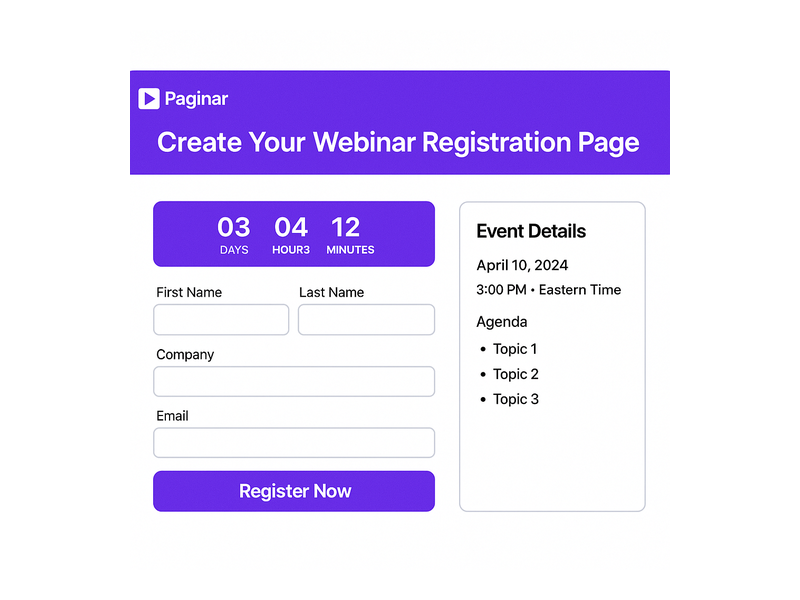
Second, every extra field on your registration form reduces the completion rate. Moreover, asking for information you do not actually need signals a lack of respect for attendees’ time. Pageinar’s Registration Settings let you toggle individual fields on or off: First Name, Last Name, Company, and custom fields. Therefore, you can match the form length precisely to your audience type, whether B2B or consumer.
A Countdown Timer to Drive Urgency
Third, a visible countdown timer significantly reduces procrastination among potential registrants. In fact, research consistently shows that urgency is one of the strongest conversion triggers in event marketing. Pageinar includes a built-in show-timer toggle inside Registration Settings, so attendees see exactly how long remains until your event goes live.
Social Proof and Brand Credibility
Furthermore, linking your social media profiles directly from the event page builds trust before registration. Pageinar’s Broadcast Settings let you add links to Facebook, Instagram, Twitter, YouTube, and Twitch. As a result, first-time visitors can verify your presence and authority before they decide to register on your webinar signup page with live stream.
How to Set Up a Webinar Signup Page with Live Stream on Pageinar
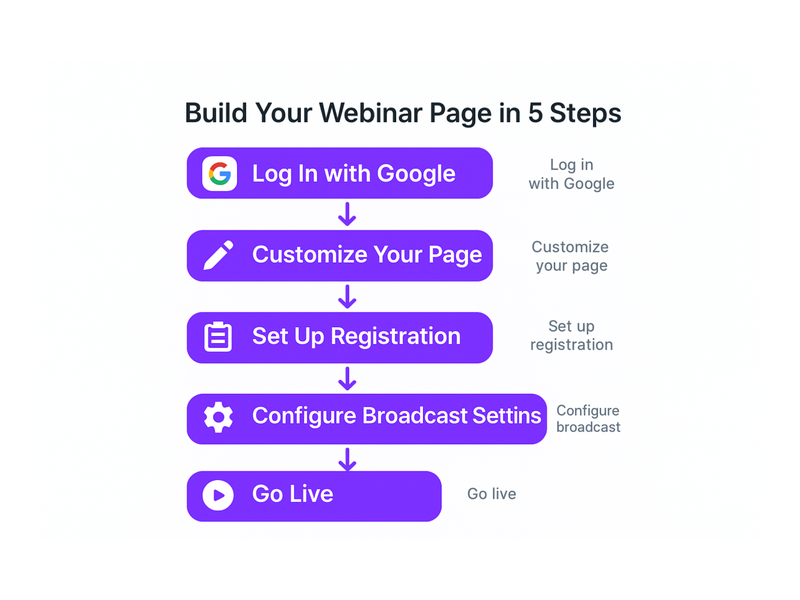
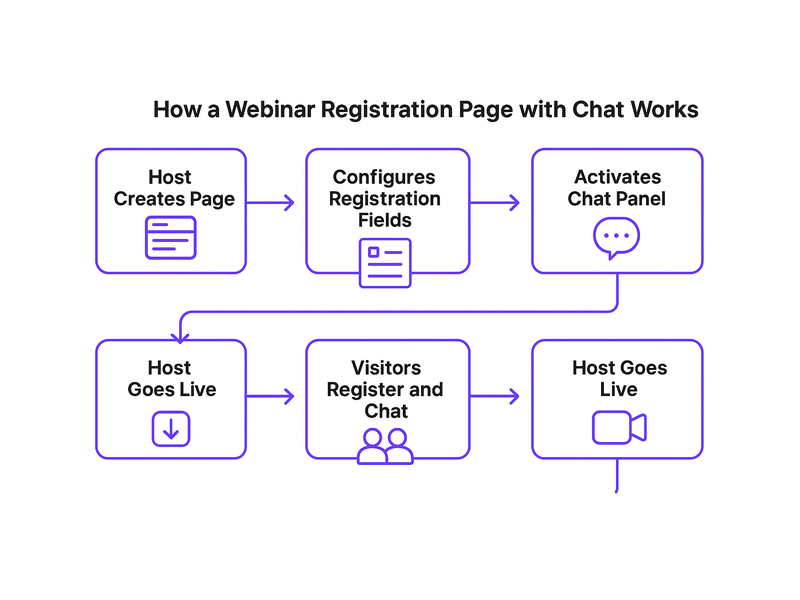
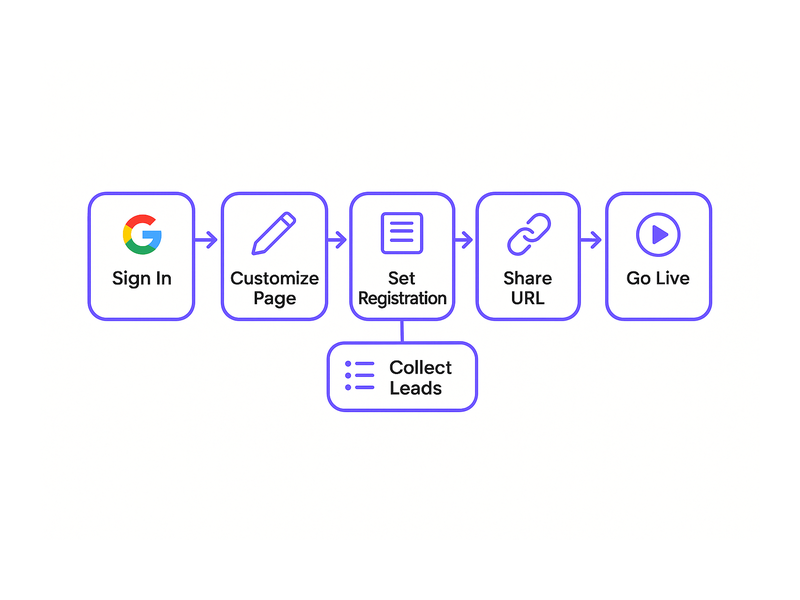
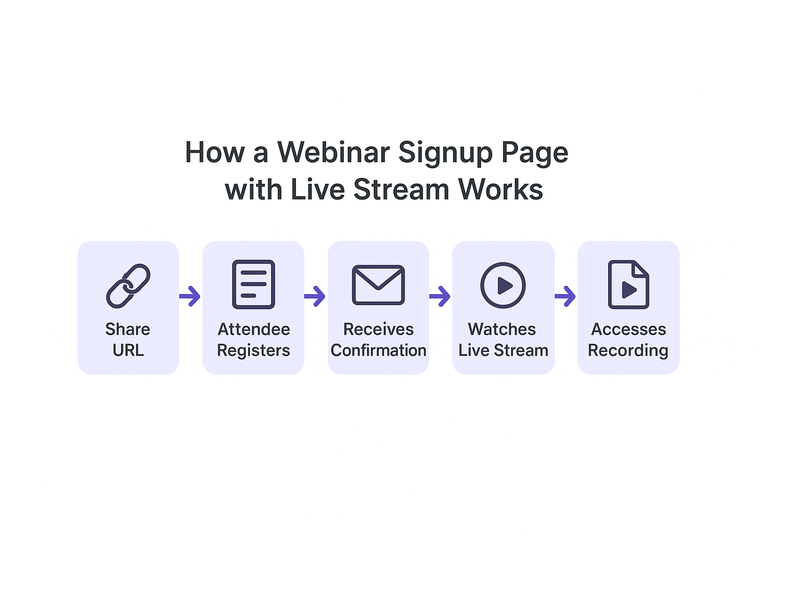
Setting up a webinar signup page with live stream on Pageinar takes only a few minutes. Additionally, the entire configuration happens inside a single, code-free dashboard. Here is a complete step-by-step walkthrough for new hosts.
Step 1: Sign In and Access Your Broadcast Page
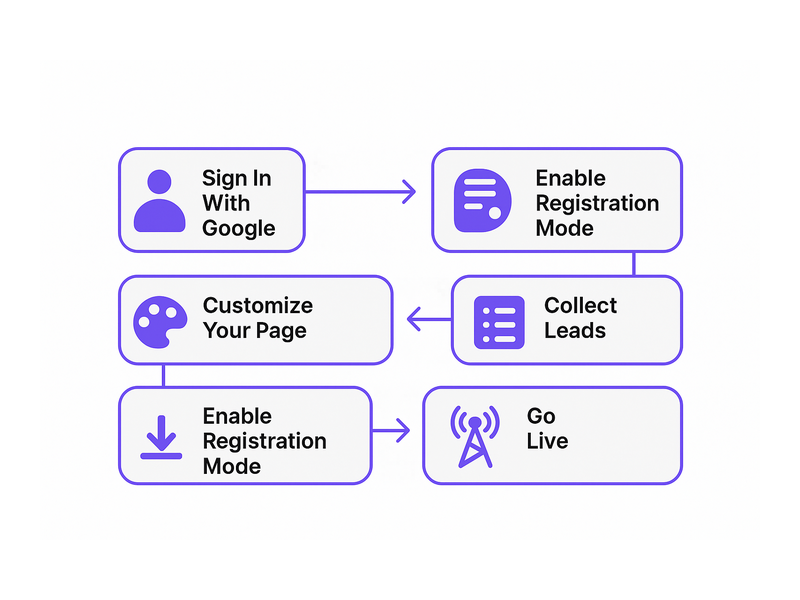
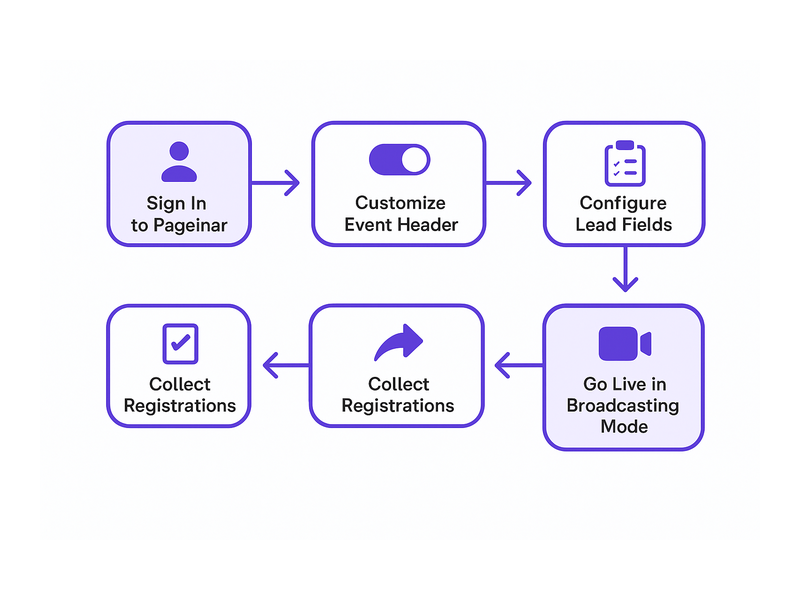
First, visit pageinar.com and sign in using your Google account. After login, you land directly on your main broadcast landing page. This page is already your webinar signup page with live stream. You do not need to create anything from scratch because Pageinar provides the page immediately upon sign-in.
Step 2: Customize Your Registration Settings
Second, open the Settings panel by clicking the gear icon on your page. Then, navigate to Registration Settings. Here, you can select a registration page template, set a background color, write a custom welcome message, and configure the event date and time. Moreover, you can upload a header image or video and enable the countdown timer. To learn more about capturing attendee details effectively, read our guide on how to collect leads before the broadcasting event.
Step 3: Switch to Registration Mode
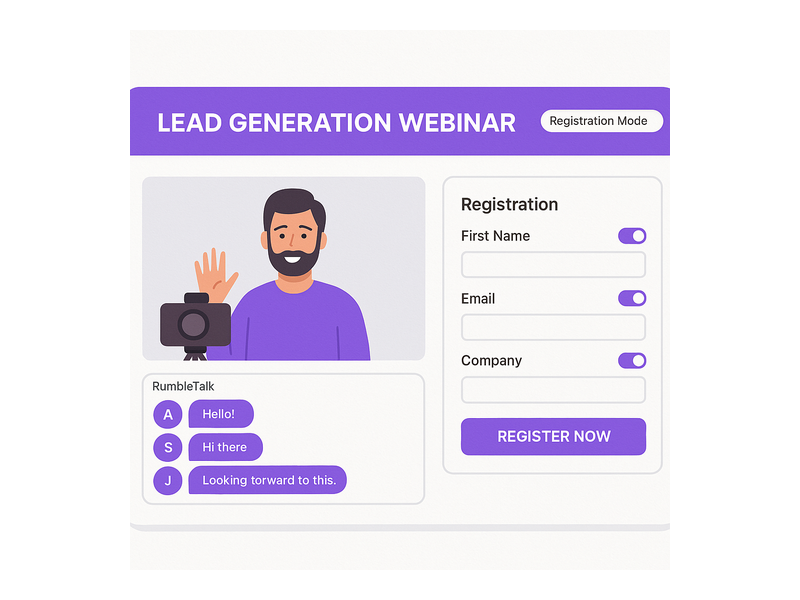
Third, toggle the page to Registration Mode using the switch in the top-right corner of your dashboard. In this mode, all visitors who land on your URL see the registration form rather than the broadcast area. Therefore, every link you share before the event directs traffic to a clean, focused signup experience with no distractions.
Step 4: Promote Your URL Across All Channels
Fourth, share your single Pageinar URL across all your marketing channels: email, social media, LinkedIn, and your website. Ideally, you begin promotion at least one week before the event. Furthermore, because your webinar signup page with live stream is a permanent URL, every promotional effort continues to point to the correct destination even if you reschedule the event.
Step 5: Switch to Broadcasting Mode and Go Live
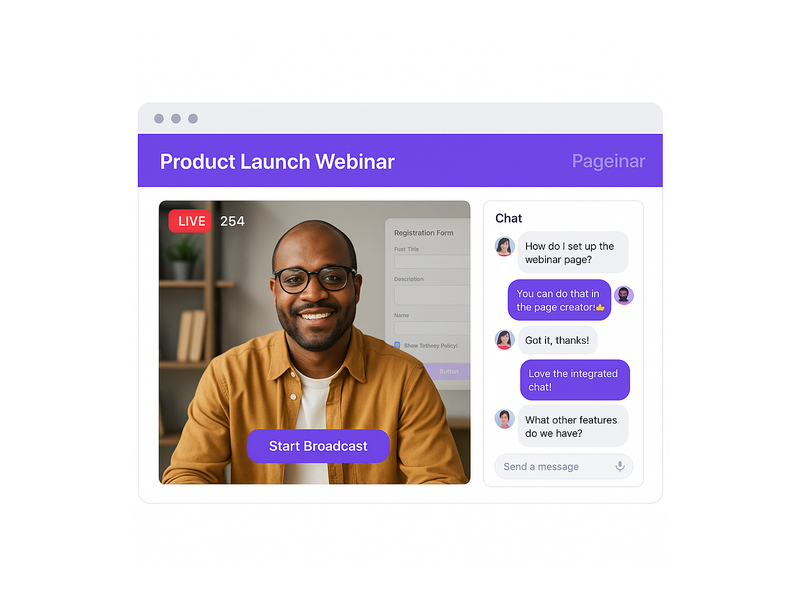
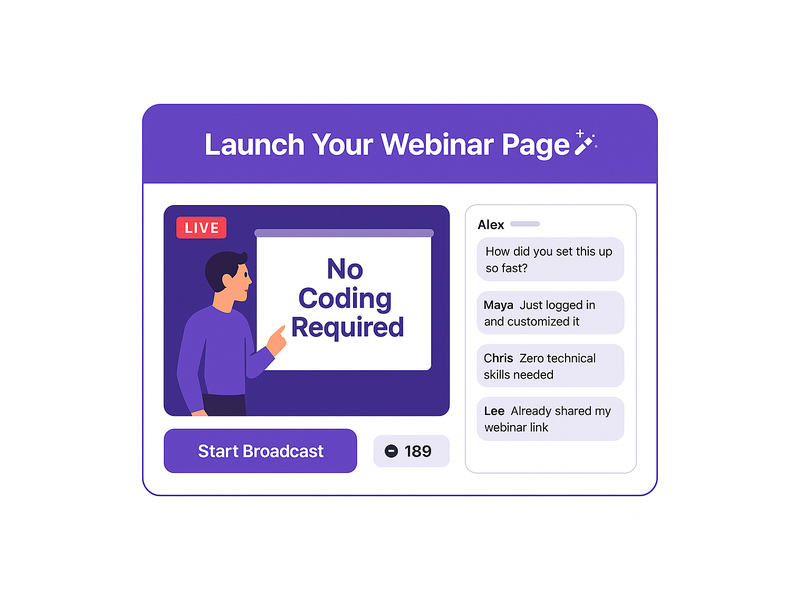
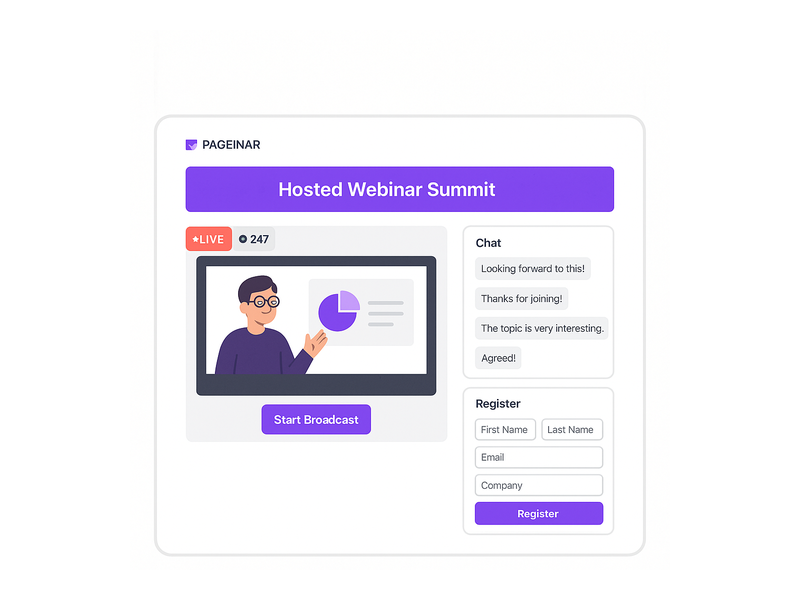
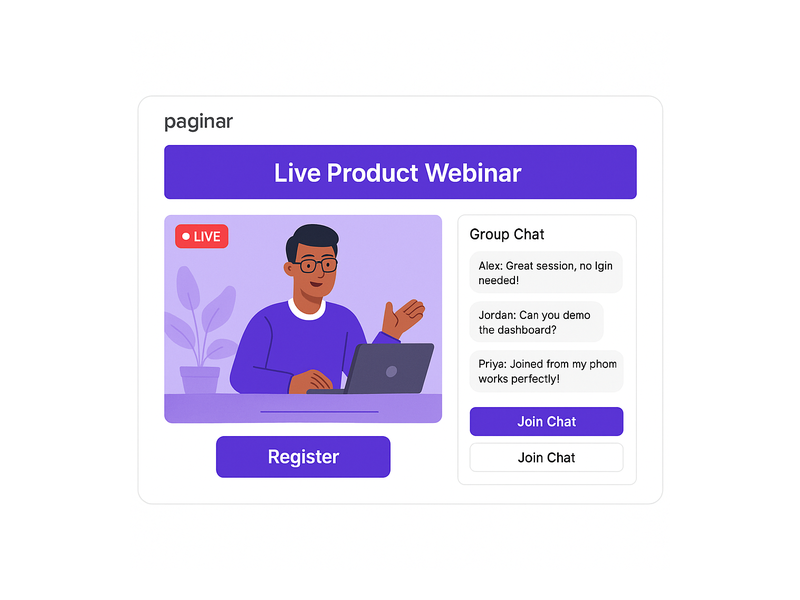
Finally, when your event is about to begin, toggle the page back to Broadcasting Mode. As a result, visitors now see the live broadcast area with the Start Broadcast button and the integrated RumbleTalk group chat panel. Click Start Broadcast to go live. Pageinar automatically displays a red LIVE badge and a live viewer count, creating instant social proof for anyone who joins mid-session.
Optimizing Your Webinar Signup Page for Higher Registration Rates
Building your webinar signup page with live stream is only the first step. However, optimizing it for conversions requires ongoing attention to messaging, timing, and promotional strategy across all your channels.
Use Password Protection for Exclusive Events
Alternatively, for paid events or private corporate sessions, Pageinar lets you add password protection from the Broadcast Settings panel. Therefore, only invitees with the correct password can access the live stream, even if the URL is shared publicly. This makes your webinar signup page with live stream ideal for premium or members-only content as well.
Export and Follow Up with Registered Attendees
Moreover, Pageinar collects registration data including Name, Company, Email, and Phone for every attendee who completes the form. You can view and export this list from the Registered List section of the Settings panel. As a result, you can import the data into your email marketing tool and send timed reminder messages at 24 hours, one hour, and ten minutes before the event starts.
Use a Header Video for Higher Engagement
In addition, Pageinar allows you to upload a short video as the header of your registration page instead of a static image. For example, a 30-second highlight reel from a previous session gives potential registrants a compelling preview of your content. Therefore, the registration page becomes a persuasive sales asset rather than just a data-collection form.
Live Broadcast Best Practices for Your Webinar Signup Page with Live Stream
Once your webinar signup page with live stream switches to Broadcasting Mode, the live experience itself determines whether attendees stay engaged for the full session. Therefore, following proven broadcast practices makes a significant difference in audience retention and satisfaction.
Leverage the Integrated Chat Panel Fully
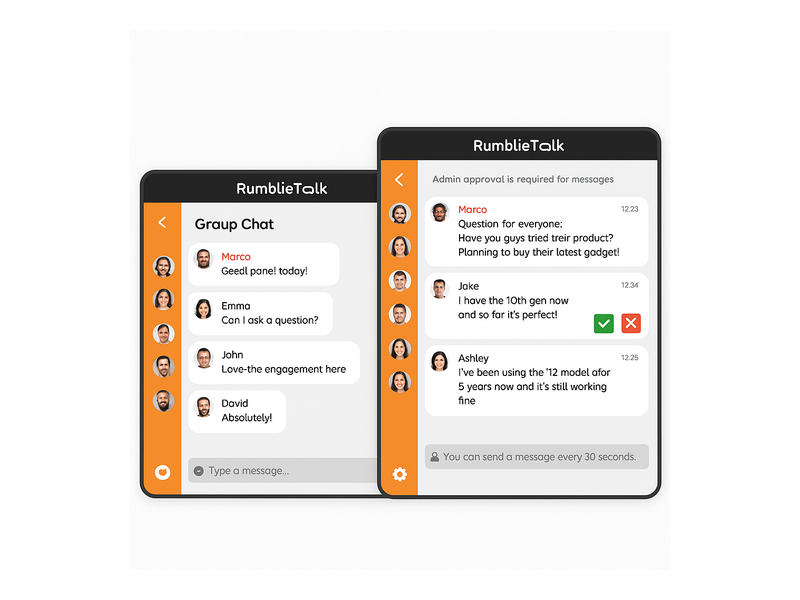
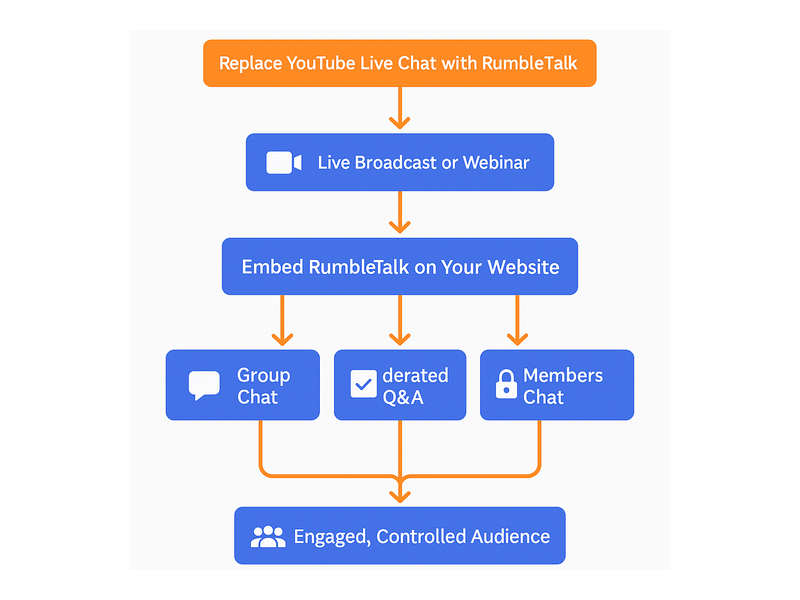
First, the RumbleTalk group chat integrated into every Pageinar page is a full-featured engagement tool, not just a passive comment box. In fact, it supports moderation controls, multiple visual themes, admin assignment, and viewer-and-speaker display. Furthermore, designating a chat admin to manage questions during the broadcast keeps the conversation focused and professional throughout the session.
Choose a Chat Theme That Reflects Your Brand
Second, Pageinar’s Chat Settings offer multiple visual chat themes you can switch to match your brand style. Moreover, you can toggle the visibility of viewer and speaker counts in the panel. As a result, the chat interface feels like a designed part of your event rather than an afterthought bolted on at the last minute.
Record Every Session for On-Demand Repurposing
Third, Pageinar automatically records every live broadcast. Therefore, you can access your recordings from the Broadcast Recordings section of the Settings panel at any time after the event ends. Each recording entry shows the session duration and export date. Additionally, repurposing recordings as on-demand content extends the value of every live session long after the original broadcast concludes.
Real-World Use Cases for a Webinar Signup Page with Live Stream
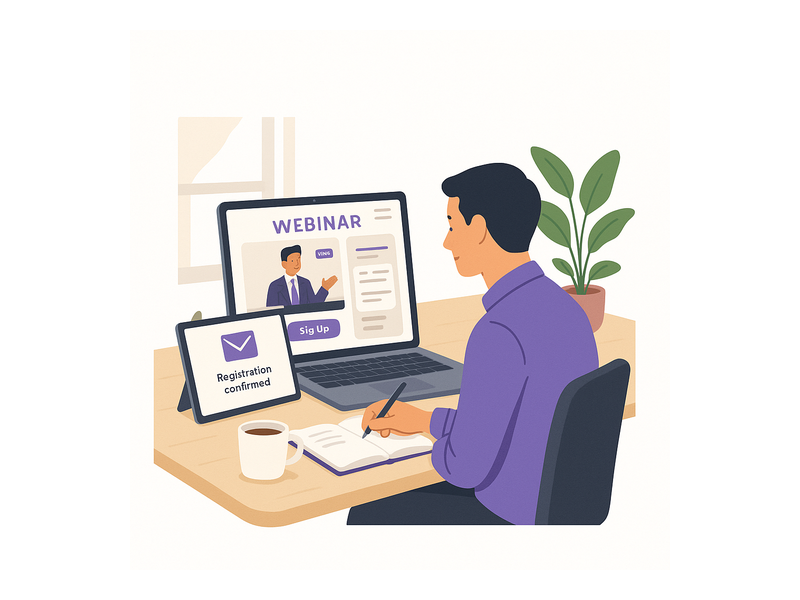
A webinar signup page with live stream serves a wide range of business goals. In fact, the flexibility of Pageinar makes it suitable across industries, team sizes, and event types.
Product Launch Events
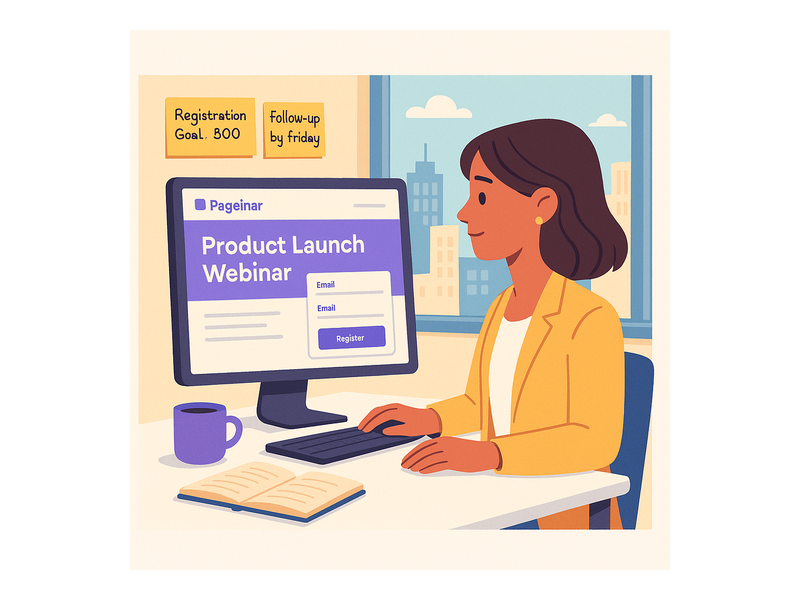
For example, SaaS companies use a webinar signup page with live stream to debut new features to their existing customer base. Additionally, the integrated chat panel lets product teams collect real-time reactions and questions during the live demo. As a result, the launch becomes a two-way conversation rather than a one-directional announcement broadcast at a passive audience.
Lead Generation Webinars
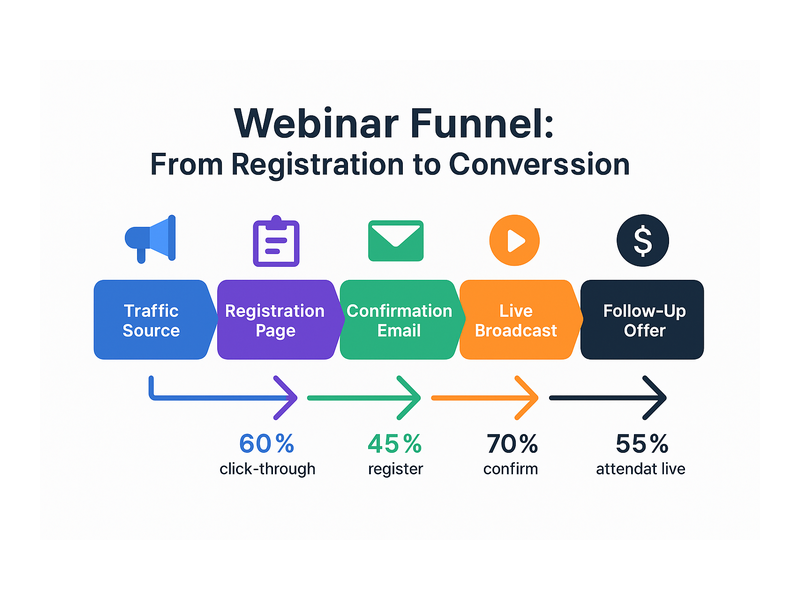
Furthermore, marketing teams run demand-generation webinars where the registration form captures company name, job title, and custom qualification fields. Ideally, the field labels match the column headers in the sales team’s CRM so leads can be imported directly after export from Pageinar. In other words, the entire pipeline from webinar registration to CRM entry requires zero manual reformatting.
Internal Training and Onboarding
In addition, HR and enablement teams use a webinar signup page with live stream for employee onboarding sessions. Moreover, enabling password protection keeps each session exclusive to invited staff. Therefore, the page functions as a secure internal broadcast channel without requiring enterprise video conferencing software or any IT involvement.
Community Q and A Sessions
Together, content creators and community managers use Pageinar to host recurring Q and A sessions with their audiences. In short, the permanent URL becomes a familiar destination that subscribers bookmark and return to regularly. Better still, the integrated chat panel keeps the community engaged between live events, building a habit loop around the content.
Why Pageinar Is the Right Choice for Your Webinar Signup Page with Live Stream
Pageinar is trusted by organizations including Nasdaq, Wix, HP, and Sony Music. However, the platform serves solo creators and small businesses equally well. In fact, the free plan provides a fully functional webinar signup page with live stream so you can experience everything before upgrading. Furthermore, Pageinar requires no plugin or app installation on the viewer side. Therefore, your webinar signup page with live stream works on any device with a modern browser, and you never lose attendance to technical setup issues on event day.
Additionally, the platform is built around radical simplicity. In short, registration, live streaming, chat, lead collection, and recordings all operate from one hosted URL. No stitching together multiple tools. No complex integrations. No maintenance overhead between events.
Subscription Plans Designed to Scale
Moreover, Pageinar offers free and paid subscription plans. The Subscription Details section of your Settings panel shows your current plan type, attendee limit, and remaining broadcast duration. Ideally, you review these limits before a large event and upgrade if needed. Billing runs through PayPal, and all invoices are searchable by date and transaction ID from the Invoice section of Settings.
Get Started with Your Webinar Signup Page with Live Stream Today
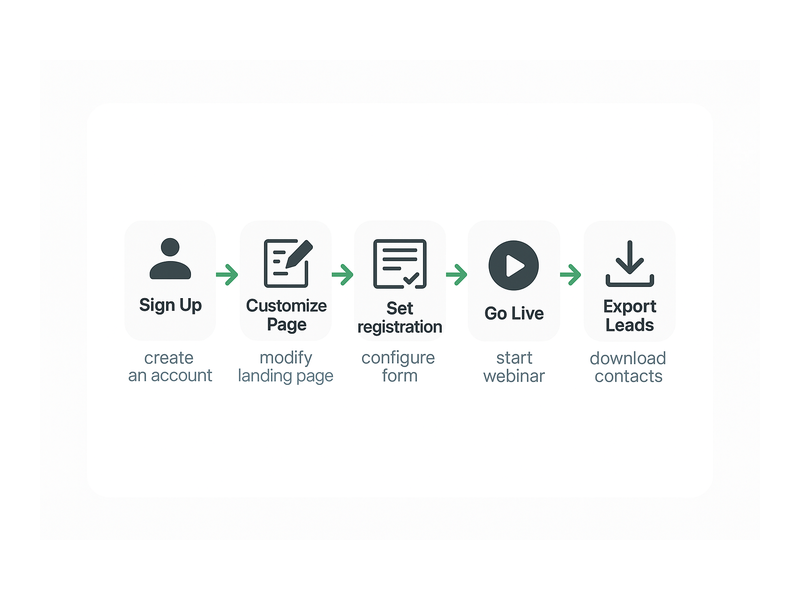
Building a professional webinar signup page with live stream is now more straightforward than ever. First, visit pageinar.com and sign in with your Google account. Second, configure your Registration Settings, add your event details, and share the URL with your audience. Third, switch to Broadcasting Mode when your event is ready, click Start Broadcast, and go live directly to the attendees who signed up on the same page.
For deeper context on the platform vision, read our earlier post: Unlock the Power of Seamless Webinars with Pageinar: Welcome to a New Era of Online Engagement!
Therefore, stop sending attendees through a confusing maze of disconnected tools. Instead, give them one URL that handles everything from first registration to final recording. Better still, start today for free and see the measurable difference a unified webinar signup page with live stream makes for your next online event.