

How to Log In to Your Pageinar Account
To log in to your Pageinar account, visit pageinar.com and click the Login with Google button — there is no separate username or password to remember since Pageinar uses Google sign-in exclusively.
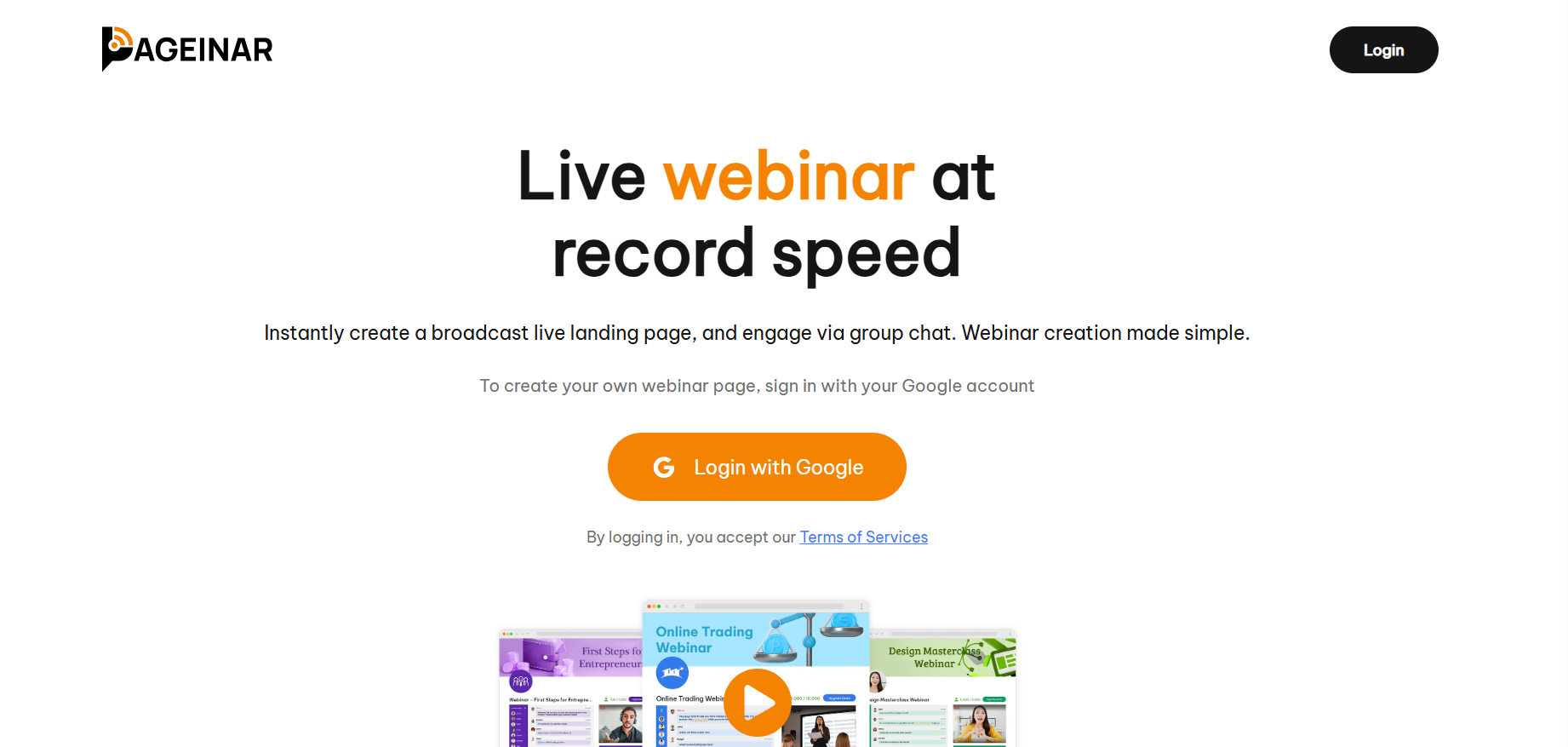
How to Log In to Your Pageinar Account: Step-by-Step
- Open your browser and go to pageinar.com.
- Click the Login with Google button.
- Select your Google account from the chooser window.
- You are taken directly to your broadcast page.
Troubleshooting Login Issues
- Make sure you are using the same Google account you used when you first signed up.
- If the Google chooser does not appear, try clearing your browser cache or using an incognito window.
- Pageinar works best in modern browsers such as Chrome, Firefox, Edge, and Safari.
Tip: Bookmark your Pageinar broadcast page URL after logging in so you can return directly without going through the homepage each time.
Go to pageinar.com and click Login with Google. Select your Google account and you will land on your broadcast page immediately.
No. Pageinar uses Google sign-in only. There is no email and password option.
You must log in with the same Google account you used to create your Pageinar page. Each Google account has its own separate broadcast page.
Yes. Pageinar keeps you logged in through your browser session. You will only need to log in again if you clear cookies or use a different browser.
Pageinar works in all modern browsers including Chrome, Firefox, Edge, and Safari. Use the latest version for the best experience.