

How to Sign Up to Pageinar Using Google
To sign up to Pageinar using Google, all you need is an existing Google account — the process takes under a minute and no password is required. Pageinar uses Google sign-in exclusively, so there is no separate registration form to fill out.
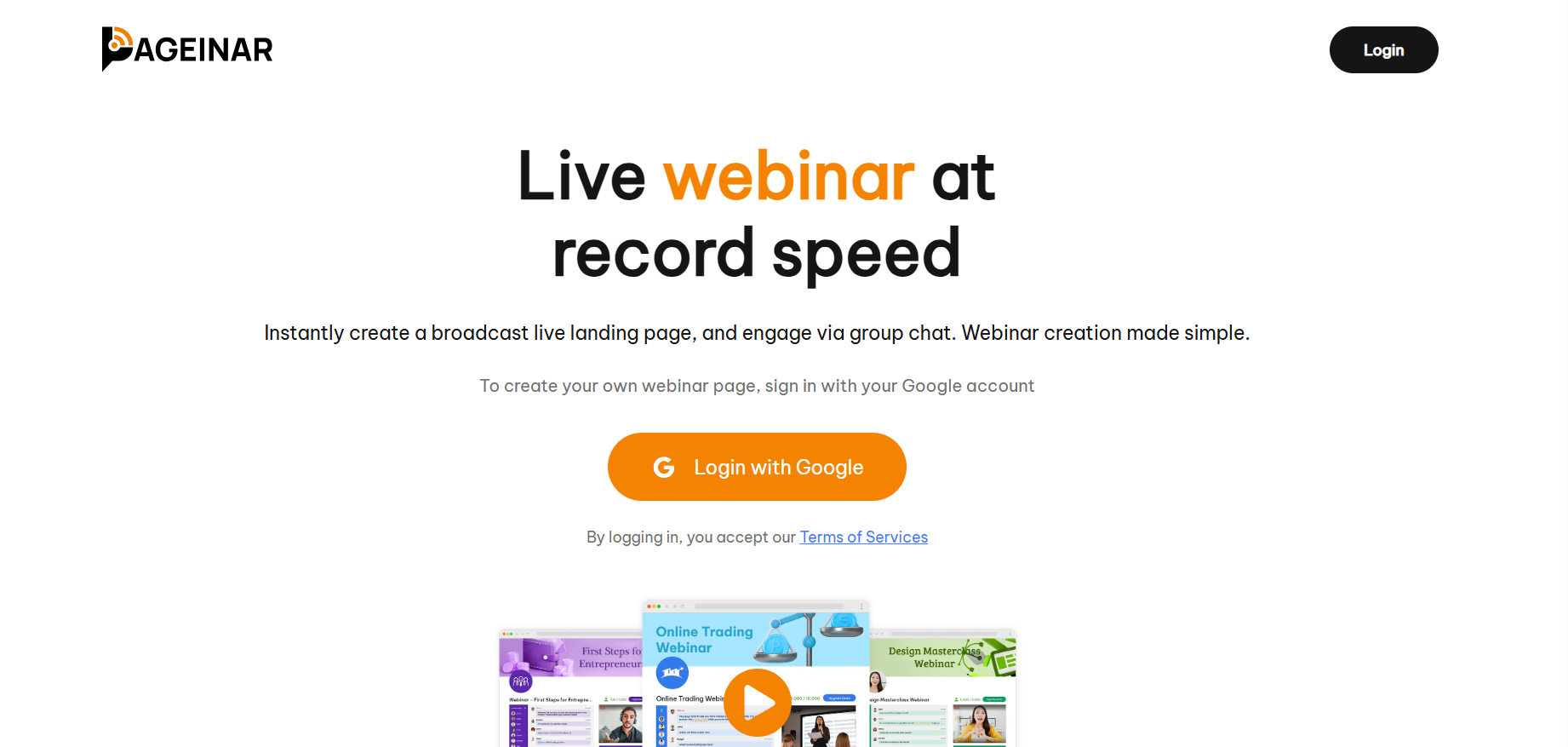
How to Sign Up to Pageinar Using Google: Step-by-Step
- Open your browser and go to pageinar.com.
- Click the Login with Google button on the homepage.
- A Google account chooser window will appear — select or enter your Google account.
- Approve the sign-in. Pageinar will create your account automatically.
- You land directly on your broadcast page, ready to customize and share.
What You Get After Signing Up
As soon as you sign up to Pageinar using Google, you get a fully hosted webinar landing page with a unique URL. You can immediately customize your cover image, avatar, webinar title, and description. The page has two modes — Registration Mode to collect leads before your event, and Broadcasting Mode to go live when you are ready.
Tip: Bookmark your Pageinar page URL after signing up — this is the link you will share with all your attendees.
Visit pageinar.com and click the Login with Google button. Sign in with your Google account and Pageinar creates your account and broadcast page automatically.
No. Pageinar uses Google sign-in only — there is no email and password registration. You just need an existing Google account.
Yes. You can sign up and create a broadcast page for free. Paid plans are available for more attendees and longer broadcast durations.
After signing in with Google, Pageinar takes you directly to your broadcast page — a ready-to-use webinar landing page you can customize immediately.
Yes. Any valid Google account works. Pageinar does not require a Google Workspace or business account.